Venta Capture, a product of VentaVid, is a guided visual capture platform: your customer, tenant, driver or contractor films what you need on their own phone, guided step by step, with no app and no account, and it arrives as a sealed, structured case in your team's inbox. Teams and roles decide whose inbox that is, who may claim it, who may escalate it and who may only look.
Organisation, teams, roles, linked tenants and enterprise SSO. One contract, every branch.
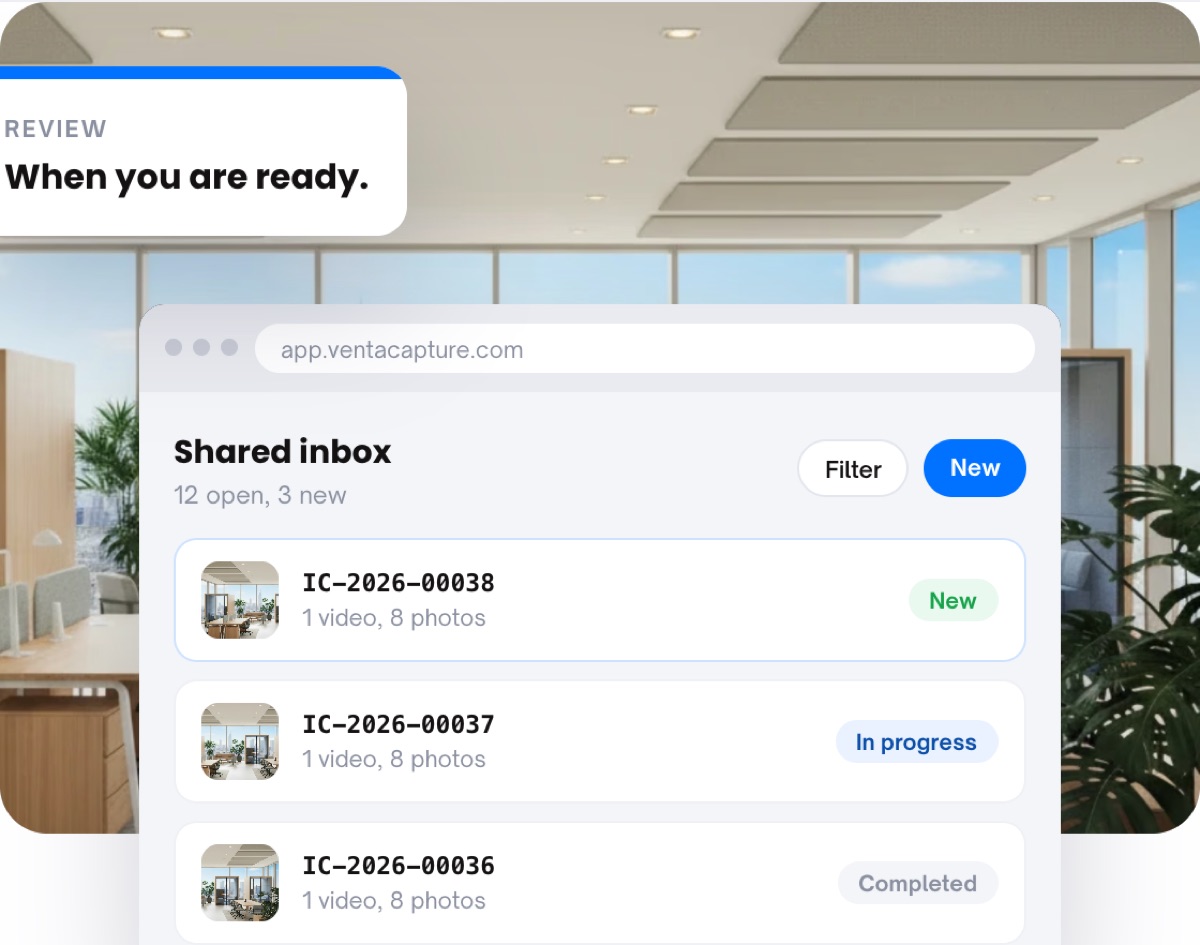
A dealer group with nine sites, an insurer with three claims teams, a service organisation with regional planners: all of them receive visual evidence, and all of them end up with it on individual phones and in personal mailboxes. Nobody knows who is looking at what, and the intern can see the sensitive file.
A submission for the Leeds branch lands with the Manchester team, or with everyone.
Access is all or nothing: either you are an admin or you are not in the system.
The colleague who left last month still has the login, because the login was shared.
Each form belongs to a tenant and routes to a person or a team. The link the customer receives carries that brand and that sender.
The customer, driver or contractor films on their own phone. Nothing about teams and roles touches their side of the flow.
Routing rules per form or per tenant send the case to a named person or team, with an SLA in hours. Without a rule it lands in the tenant inbox.
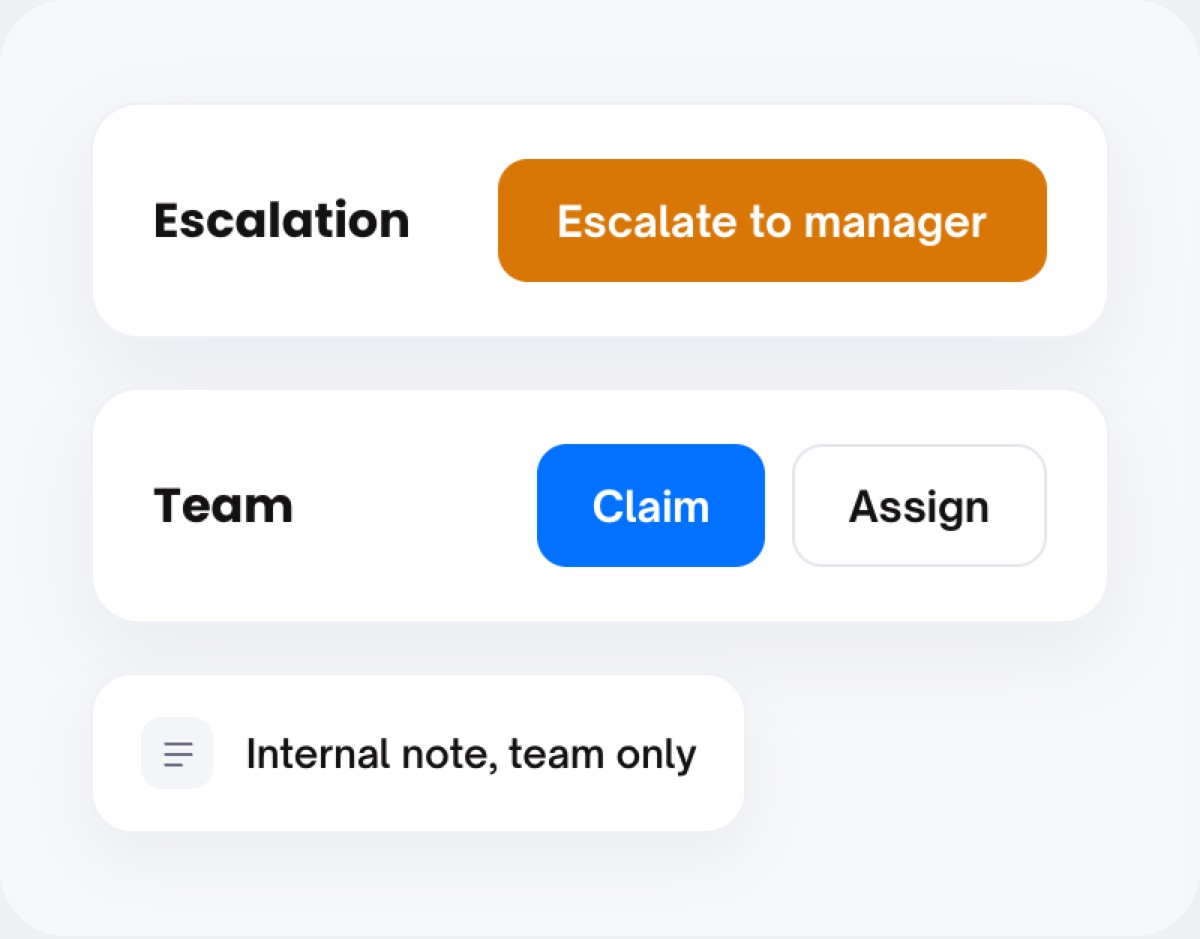
Claim, assign, escalate, note, close: each action is tied to a role and logged against an account. People without a login can still be sent a view link.
An organisation holds several tenants (linked environments), each with its own branding, users, flows and inbox. Head office sees the whole; a site sees its own. Two companies in the same group can be linked so their owners switch between them.
System roles run from read-only to full platform owner, and you can define your own with just the permissions a job needs. Visibility is set per form as well: everyone in the organisation, or named people only.
Require claim means a case is picked up before it is handled (admins and team leads are exempt). Assignment, escalation to a manager with a reason, and internal notes all carry an author and a time, so the next person sees what the previous one did.
Model your organisation once and let routing do the rest.
Organisation settings hold Users, Teams, Roles, Tenants and Enterprise SSO. Teams group people so a routing rule can point at a team instead of a person. Roles come as a set of system roles (finance, operations, platform administration, read-only, support, tenant admin, tenant user, owner) plus "Create new role" for your own.
Tenants are separate environments under one organisation, each with its own users, branding and status, searchable by name. Company links join a company to another site or sister company after both owners approve.
Enterprise SSO lets people sign in through your own identity provider: Google Workspace, Microsoft Entra ID, Okta, or another SAML or OIDC provider. Each account can add two-factor authentication and see its active sessions per device, with "sign out on all other devices".
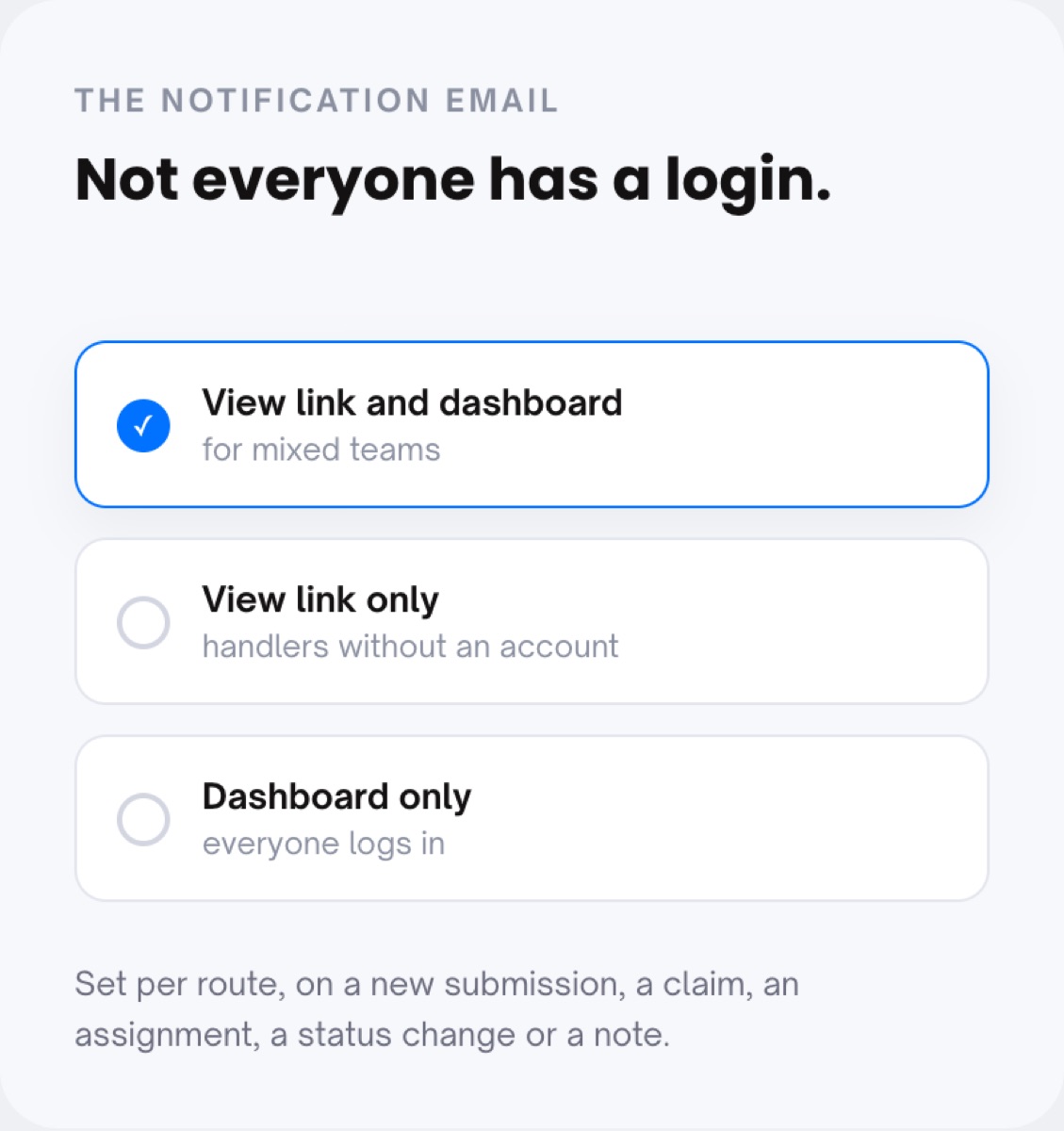
Per form, Visibility decides who can open the submissions: everyone in the organisation or named people only. The notification email per route can link to the view link and the dashboard, the view link only (for handlers without an account) or the dashboard only.
Multi-site organisations that lean on this: dealer groups, insurers and field service organisations. Outside parties without a login get a view link. Data handling per tenant follows privacy and retention. Glossary: escalation path, audit trail, case management.
Yes. One organisation holds several tenants, each with its own branding, users, flows and inbox, under one contract. Owners of linked companies can switch between them.
Routing per form or for the whole tenant sends it to a person or a team, with an SLA in hours. Optionally a case must be claimed before it is handled. In doubt, escalate to a manager with a reason; the manager approves or rejects inside the case.
No. The notification email can carry a view link only, so a handler or an external expert opens the case without an account. Actions such as claim, assign and close do need a role.
Email and password with optional two-factor authentication, or enterprise SSO through Google Workspace, Microsoft Entra ID, Okta or another SAML or OIDC provider.
Yes. Set the form's visibility to named people only, give those people a role with the permissions they need, and every view and action stays in the audit log.
Set up users, teams and roles once. Every case lands with the people who should handle it.
Live in 10 minutes. Stuck? Book a free setup call and we build your first flow together.
