A tourist with a dented hire car, a tenant who moved here last year, a driver on a route through four countries. Venta Capture, a product of VentaVid, is a guided visual capture platform: your customer, tenant, driver or contractor films what you need on their own phone, guided step by step, with no app and no account, in their own language, and it arrives as a sealed, structured case in your team's inbox, in yours.
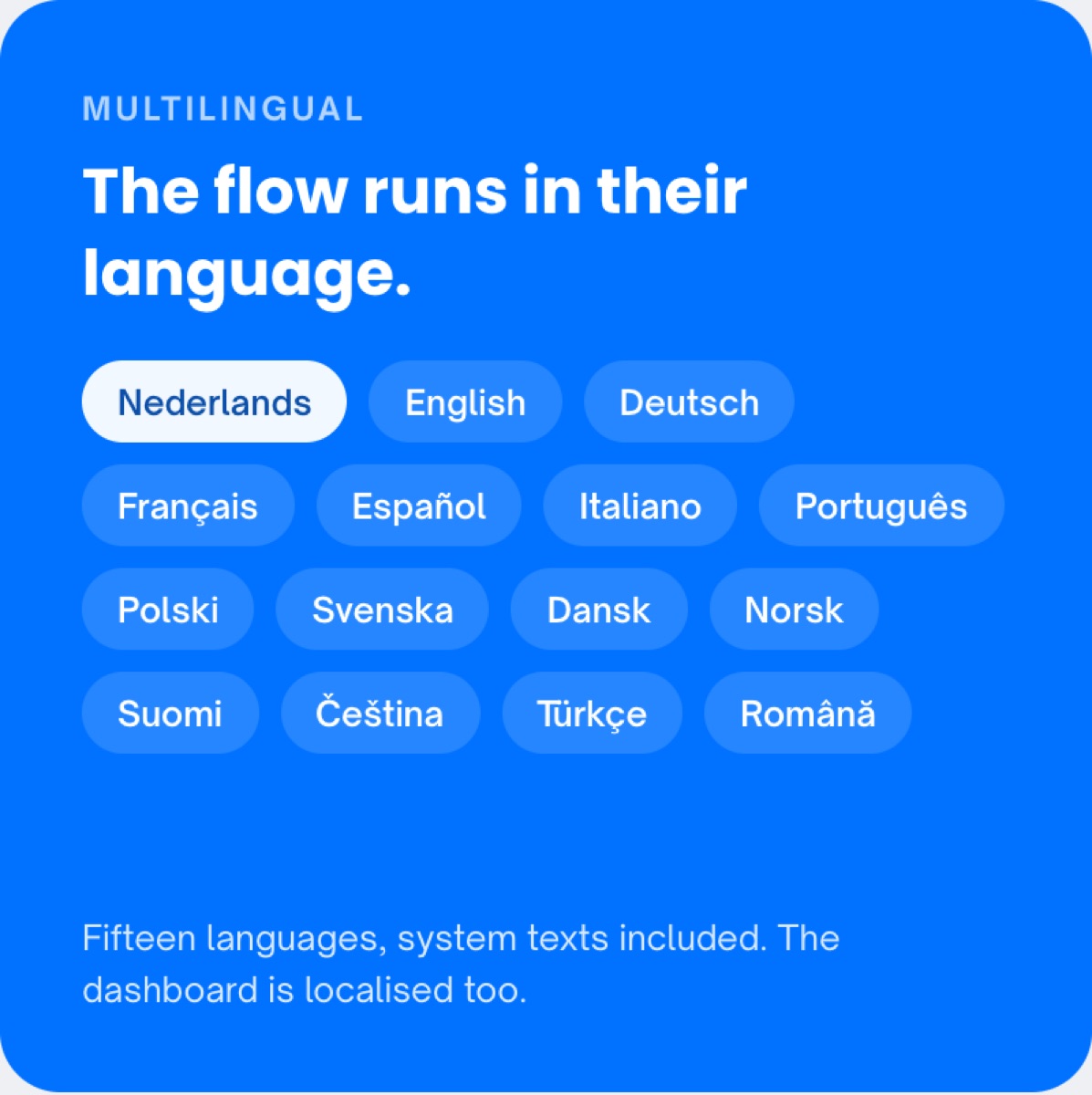
The capture flow in 15 languages, chosen from the customer's browser. The dashboard in the language of the user.
Instructions the customer cannot read are instructions the customer does not follow. The photos come back from the wrong angle, the question about the warning light goes unanswered, and someone on your team ends up on the phone with a translation app.
Rental desks, claims teams and property managers deal with customers in languages the team does not speak.
A flow in one language means a second flow, built and maintained separately, for every other one.
Your team in Rotterdam and your team in Lyon want the same product in their own interface.
The same secure personal link goes to every customer. There is no language to pick when you send it.
The flow opens in the language of the customer's browser, system texts included: Back, Next, "Ready to roll?", the consent line, the declaration.
The submission arrives as a case with the media, the answers per question, the transcript and the signals.
Each user sets the interface language of the dashboard. The Dutch team reads the dashboard in Dutch; the case content stays what the customer submitted.
When the instructions are in the language the customer reads, the right footage comes back the first time. That holds for the tourist at the rental desk as much as for the contractor on a site abroad.
You build the flow once. The language is picked from the browser, so a rental company with international customers does not maintain a copy per market.
The dashboard renders in the user's own language, Dutch included. A multi-country organisation runs one product, one inbox and one way of working.
Open a capture link on a phone set to another language and watch the flow switch.
The capture experience runs in 15 languages, selected automatically from the browser language of the customer's phone. The whole flow follows, system texts included, so a Dutch customer sees "Terug" and "Volgende" where an English customer sees Back and Next.
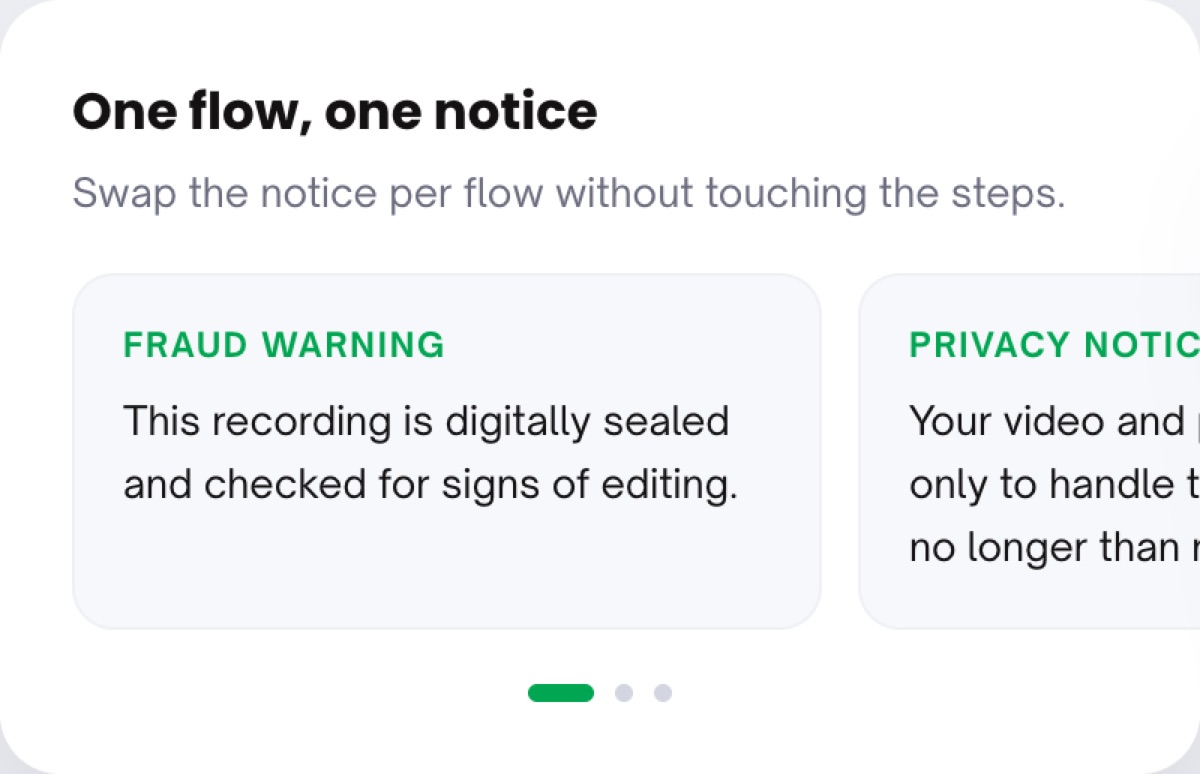
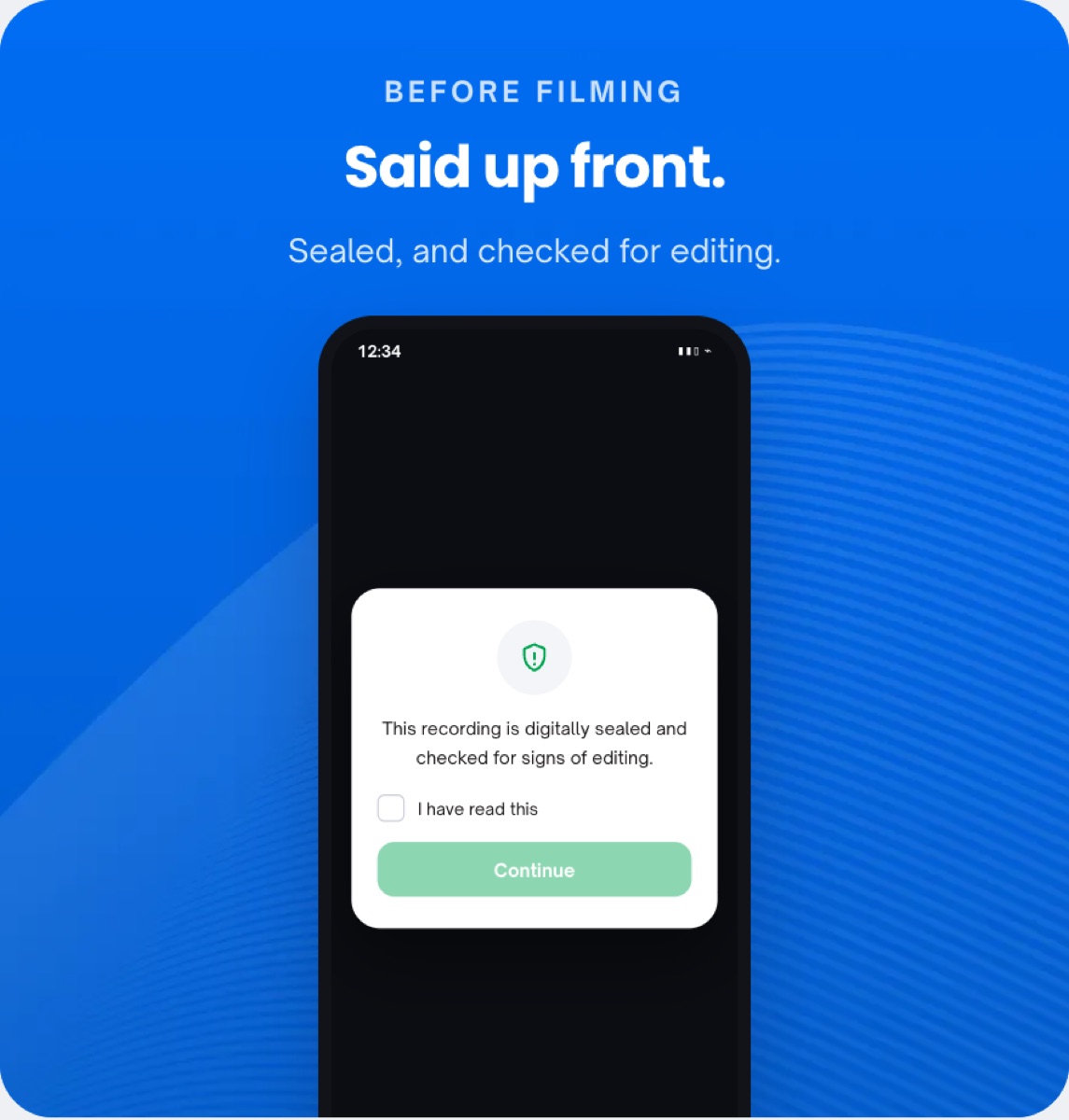
Notices are set per flow and per language: the notice before recording, the privacy notice and the instruction each have their own text, shown at the moment you choose (right before filming or at the start), with a tick and a log of what was shown.
Account preferences hold the interface language for the user (only affects that user) and a default language for customer pages. The dashboard renders in the user's language, Dutch included.
Answers, the spoken explanation and its transcript arrive as the customer gave them; Capture does not translate the content of a case.
Where it matters daily: car rental, rental companies with cross-border customers and field service organisations with multilingual crews. Language settings per user sit with teams and roles. Glossary: guided capture, transcription.
The capture experience runs in 15 languages, automatically in the language of the customer's browser. The dashboard follows the language of the user, Dutch included.
No. One flow serves every language; the customer's browser decides which one they see. Notices and instructions can be set per flow and per language where you want different wording.
Yes. Buttons, prompts, the consent line and the declaration all follow the flow language, so the customer never meets a mixed-language screen.
No. Answers and the transcript arrive in the customer's own language. Your team reads the interface in its language and the content as it was given.
Yes. The interface language is a per-user preference and only changes that user's own view.
The flow speaks their language, the case arrives in your inbox, and nobody needs a translation app.
Live in 10 minutes. Stuck? Book a free setup call and we build your first flow together.
