Venta Capture, a product of VentaVid, is a guided visual capture platform: your customer, tenant, driver or contractor films what you need on their own phone, guided step by step, with no app and no account, and it arrives as a sealed, structured case in your team's inbox. Linked cases put two of those submissions side by side, so the check-in sits next to the check-out and the retake sits next to the original.
Two sealed records, one reference. A person compares them, not a script.
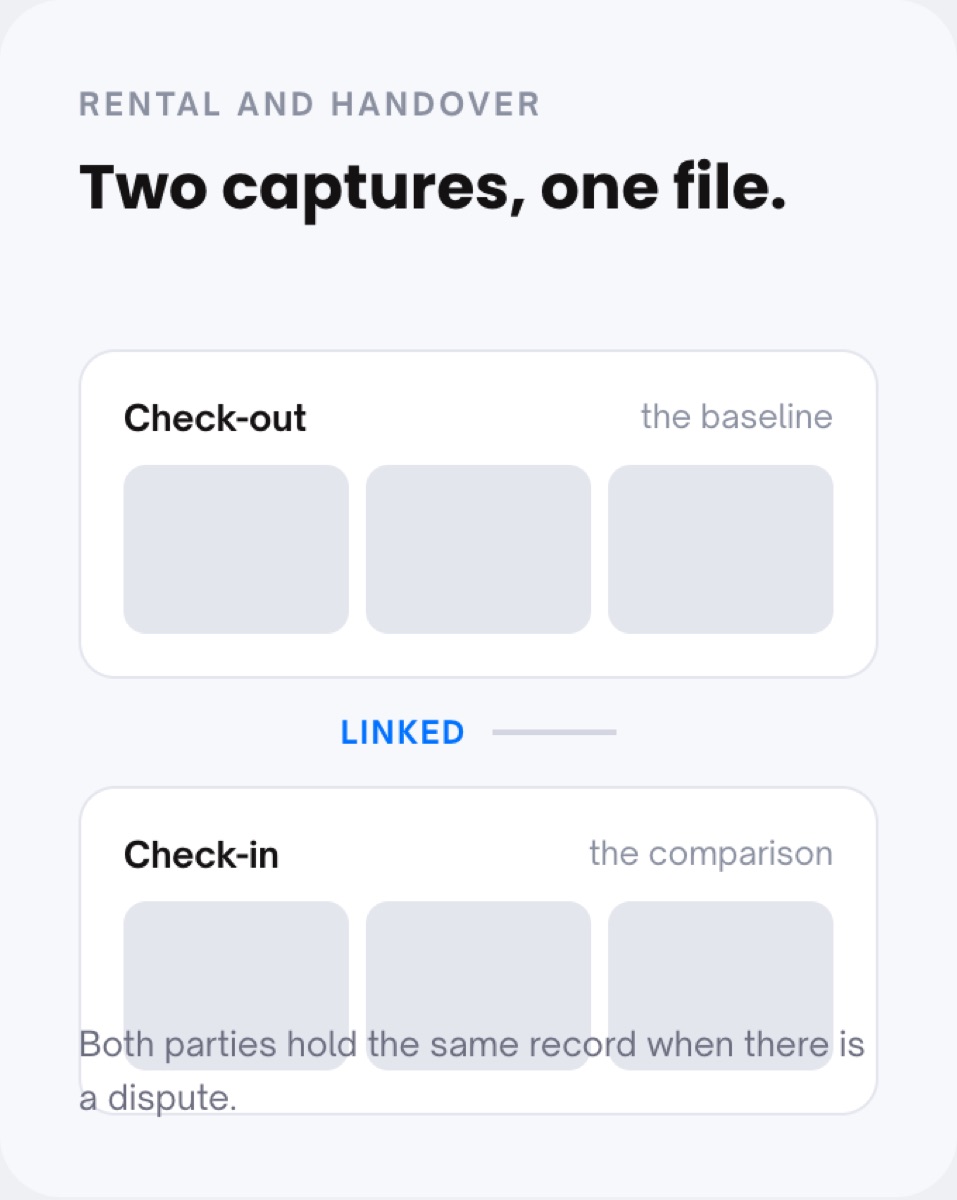
Most disputes are not about what happened. They are about what it looked like before. The hand-over photos sit on a colleague's phone, the return photos arrive by email three weeks later, and the two never meet in the same place.
"It was already like that when I got it", and nobody can find the record that proves otherwise.
A retake lands as a fresh submission with a new number, and the reason for it is lost in a phone call.
Before and after sit in two mailboxes, so the person who has to decide opens four attachments and a spreadsheet.
The customer, tenant or driver gets a secure personal link (or scans a QR code at the counter) and records the baseline: the condition at check-out, the situation before the job, the first attempt.
The same flow runs again later: at check-in, after the work, or as a retake targeted at what was missing. Same steps, same order, same photo slots, so the two records are comparable.
Each submission arrives as its own case with its own reference number, server-verified receipt time and seal. Nothing in the first case is touched when the second one arrives.
Your team links the two cases, opens them next to each other and decides. A retake is linked to its original automatically, with the submitter's own reason and a timestamp on it.
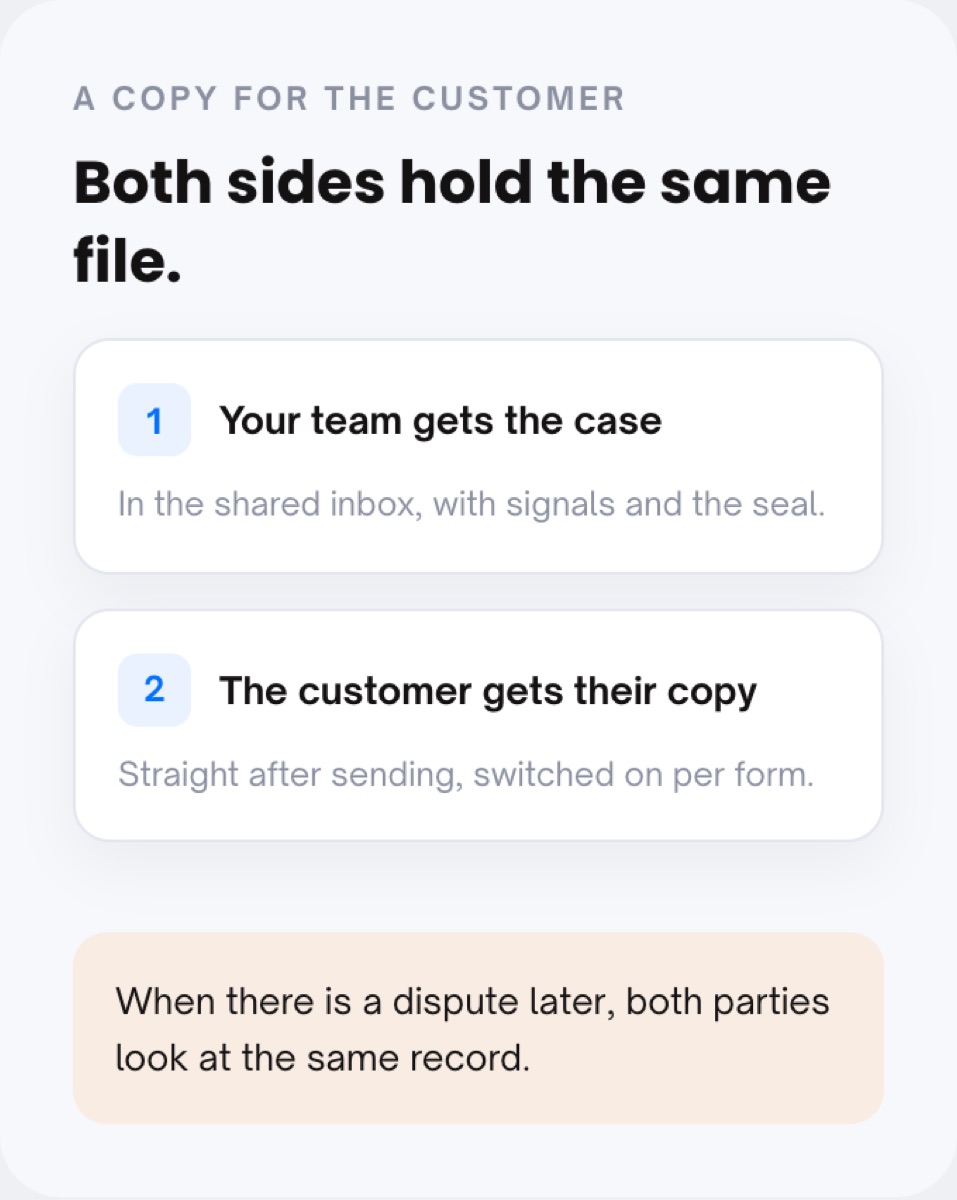
When a tenant, renter or client says "that damage was already there", you open two sealed records instead of an argument. Both parties can hold the same file from the moment it was sent, if you switch that on per form.
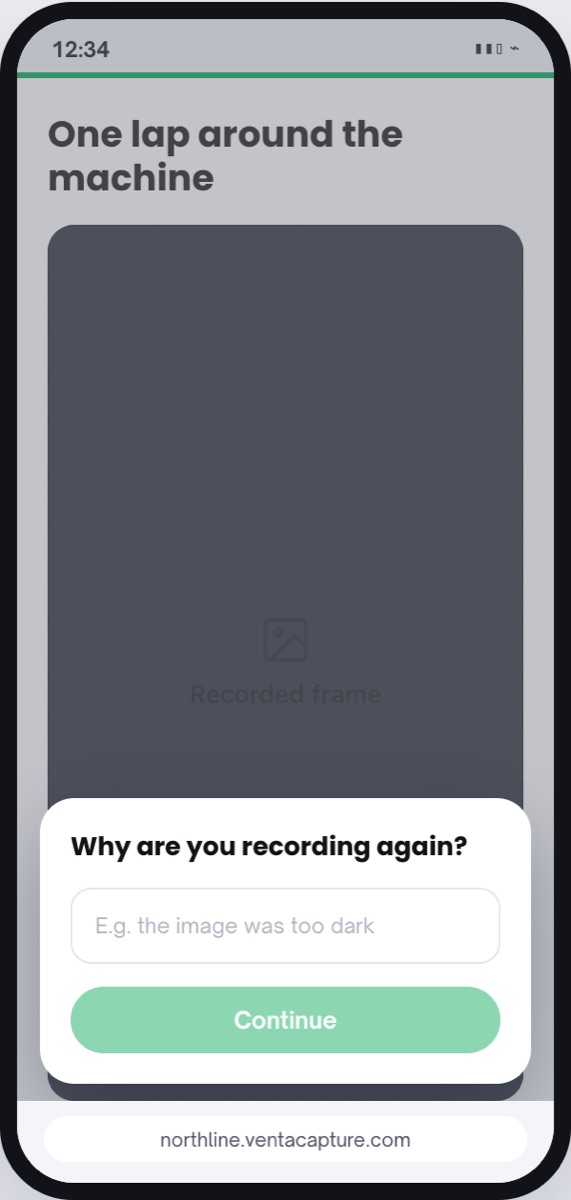
An incomplete submission costs one click, not a phone call and a new file. The retake becomes a new case linked to the original, with the reason the customer gave ("the image was too dark") stored alongside it.
Proof of work, repairs, cleaning, installation: the job starts and ends with a capture, and both hang off the reference your own system already uses. The next person sees what the previous person saw.
Send a check-out flow today and a check-in flow when the object comes back.
Every case carries your reference scheme (prefix, digits, optional year) and a separate "your reference" field for the number your contract, work order or claim already has. Two captures with the same reference are easy to find and easy to link.
The customer gets the same flow, focused on what was missing, and the flow asks "Why are you recording again?". The retake arrives as a new case, explicitly linked to the original, with the reason and time recorded.
At a hand-over, the renter or tenant receives their own copy straight after sending, so both sides look at the same record when a question comes up later.
Capture does not compute a difference between check-out and check-in or grade the damage. A reviewer opens both sealed records and reaches the conclusion.
Use cases where linked cases carry the process: rental and handover, lease return, tenant check-in and check-out and proof of work. Background reading: lease return inspection, and the glossary entries for a check-out report, a check-in report and a sealed submission.
No. Linking puts two sealed records in one file so a reviewer can open them side by side. The comparison, and the decision that follows, stays with your team.
Nothing. The original keeps its seal, its receipt time and its signals. The retake is a new case, linked to the original, with the submitter's reason and a timestamp.
Yes, per form. Switch on "send the submission to the customer" and the renter, tenant or driver receives their own copy straight after sending. Your team receives the case in the shared inbox.
It does not have to, but it helps. Running the same steps and photo slots at check-out and check-in is what makes the two records comparable angle for angle.
Each case has its own number in your scheme, plus a "your reference" field for the contract, work order or claim number from your own system. Use that field to keep the pair together.
Yes, through a view link that needs no login, or through the copy for your CRM. The outside expert or landlord sees the same records your team sees.
Send the first link today and the second when the object comes back. Your team decides with two sealed records in front of it.
Live in 10 minutes. Stuck? Book a free setup call and we build your first flow together.
