Venta Capture, a product of VentaVid, is a guided visual capture platform: your customer, tenant, driver or contractor films what you need on their own phone, guided step by step, with no app and no account, and it arrives as a sealed, structured case in your team's inbox. From there it goes three ways: a view link for someone without a login, a copy with its data for your CRM, or a report straight to the customer, so both sides hold the same file.
Sealed on arrival, verifiable by anyone you send it to.
The case is in your inbox, and the person who has to look at it is not: the loss adjuster, the partner garage, the colleague at the other branch. So a video gets downloaded, attached to an email, forwarded once more, and by the time it reaches the decision it has lost its timestamps, its answers and its seal. The customer, who filmed it all, has nothing.
A claims handler exports photos for an external appraiser and can no longer show that what the appraiser saw is what was received.
A field service partner or a dealer's workshop gets the job by phone because the case lives in a system they cannot log into.
A rental company or property manager and their customer argue weeks later about what the check-out showed, and each has a different set of pictures.
Your team sends a secure personal capture link, or the customer scans a QR code. On forms where the customer should keep a copy, you switch on "send the submission to the customer".
The customer films and answers what your flow asks. Recorded now, on this device, sealed on arrival with a receipt time and a fingerprint.
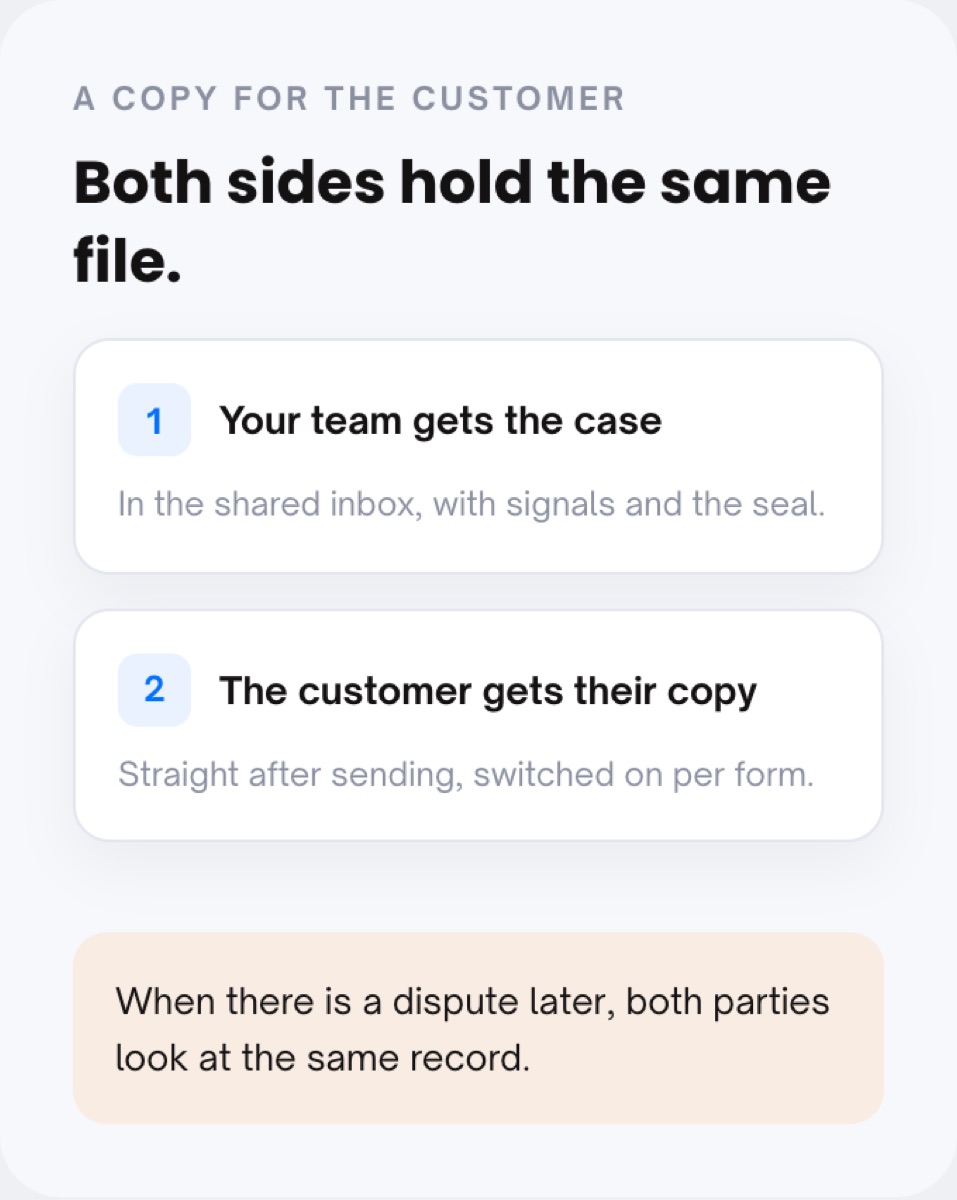
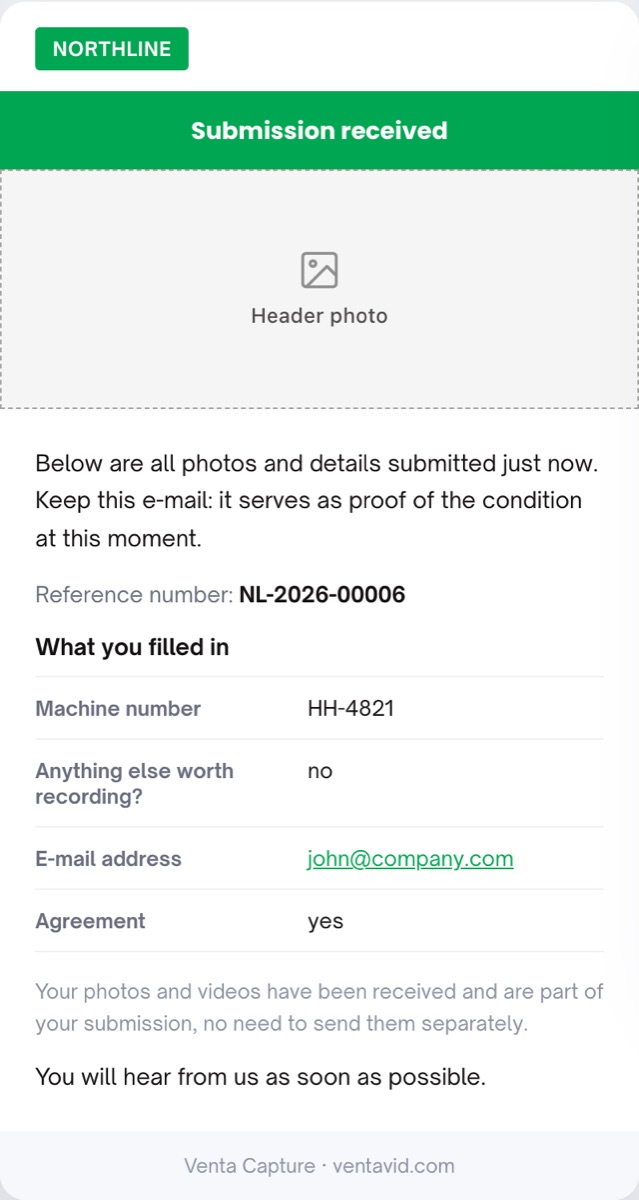
The submission lands in your shared inbox. Where switched on, the customer receives their own copy straight after sending, and a confirmation with a reference number they can quote back.
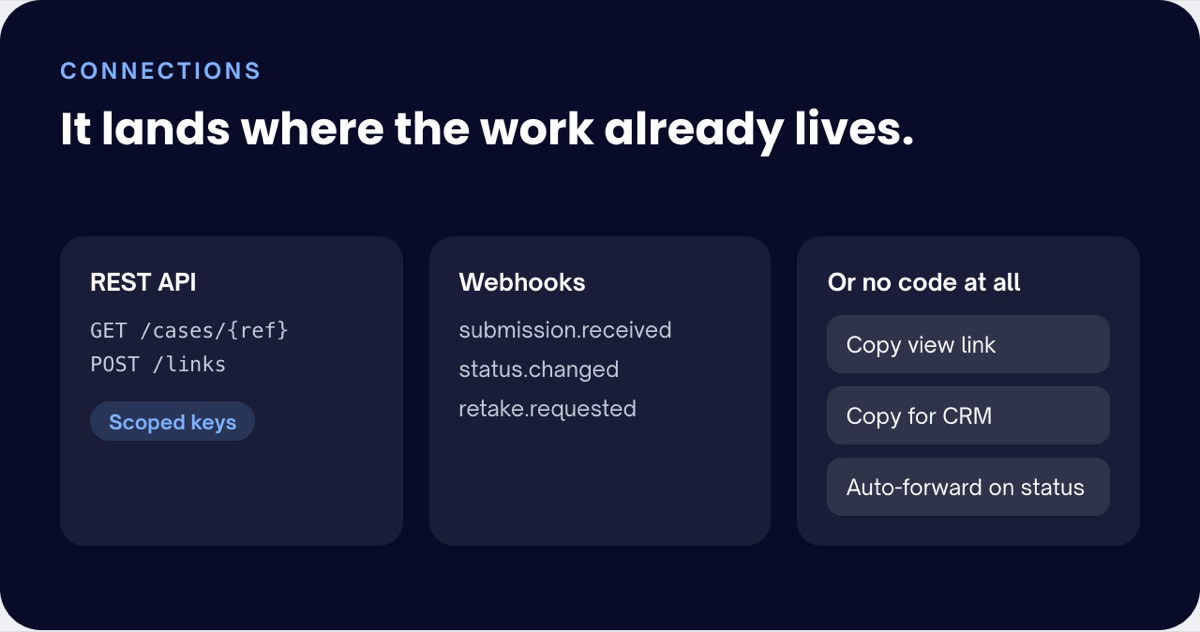
Two buttons on the case: copy view link, and copy view link with data for your CRM. Paste the first to anyone who needs to look; paste the second into the system where the decision is made.
An expert, a partner or a colleague from another branch opens the view link and sees the case as it is. That means you stop creating accounts for people who look at one file a month.
"Copy for CRM" carries the case and its data into your claims system, CRM or ticketing. That means the evidence sits next to the decision, and not on an island nobody opens.
At a rental hand-over or a check-in, the customer gets their copy immediately. That means a dispute later is a conversation about one file, not two different sets of pictures.
Submit a case on your own phone, then open the view link on your laptop without logging in.
One button on every case. The link opens the case for someone with no account: media, answers, transcript, seal status. The notification email can carry that link as well, for handlers who never log in.
The second button: the view link plus the case data, ready to paste into your own system. For deeper hand-offs there is the REST API with scoped keys and webhooks on events like submission received or status changed.
Set per form. The submitter receives their own copy straight after sending.
The confirmation email lists what the customer filled in under the reference number. A report email with a "View the report" button goes out when your team has something to send back.
A view link shows the seal, the fingerprint and the manifest, so the person you share it with can verify the file without trusting you or us.
Typical uses: rental and hand-over, property and claims investigation. See also linked cases and privacy and retention. Background: a check-out report as digital evidence, and our post on lease return inspections.
Yes, through a view link. It opens the case as your team sees it, including the seal, and the notification email can carry that link only.
If you switch it on per form, yes. At a rental or a hand-over the customer receives their own copy straight after sending, so both parties hold the same file.
"Copy for CRM" pastes the view link and the case data into your system in one go. For automatic hand-offs, use the REST API with scoped keys, webhooks and automations.
Yes. The seal, the fingerprint and the manifest are part of the case, so whoever receives the view link can check that the file is unchanged since receipt.
Yes. Visibility is set per form: everyone in the organisation or named people only. Roles and teams control the rest.
Send one link, receive one case, and share it with a click.
Live in 10 minutes. Stuck? Book a free setup call and we build your first flow together.
