Not every capture starts with a message. Some start at the rental desk, at the service counter, on a building site or on a customer portal. Venta Capture, a product of VentaVid, is a guided visual capture platform: whoever is standing next to the object films it on their own phone, guided step by step, with no app and no account, and it arrives as a sealed, structured case in your team's inbox.
A QR code on a screen, an invoice or the counter. Scanned with a phone, filmed in the browser, sealed on arrival.
The customer is standing in front of you with the hire car, or the machine is in the yard with a technician next to it, and the process still says: go back to the office, send an email, wait. The moment passes unused.
Hand-overs at the counter get a paper form and a signature, and the condition photos never happen.
A customer who opens the link on a laptop at work has no camera worth using, and gives up.
Proof of work is a text message from the contractor that says "done".
Put the QR code on the check-in screen, the invoice, the confirmation email or a sign at the counter. Or a colleague starts the capture from the dashboard on the spot, without sending anything.
The person scans the code, the flow opens in their browser and guides them step by step: scan the reference, four photos, a walk-around, two questions.
The submission arrives with a server-verified receipt time, the answers, the media and the seal, under your reference number.
Your team reviews when ready. At a hand-over, the customer can receive their own copy straight after sending, so both sides hold the same record.
A hand-over, an intake or a completion check gets recorded at the moment it happens, on the phone that is already in the room. No return visit to document what could have been documented then.
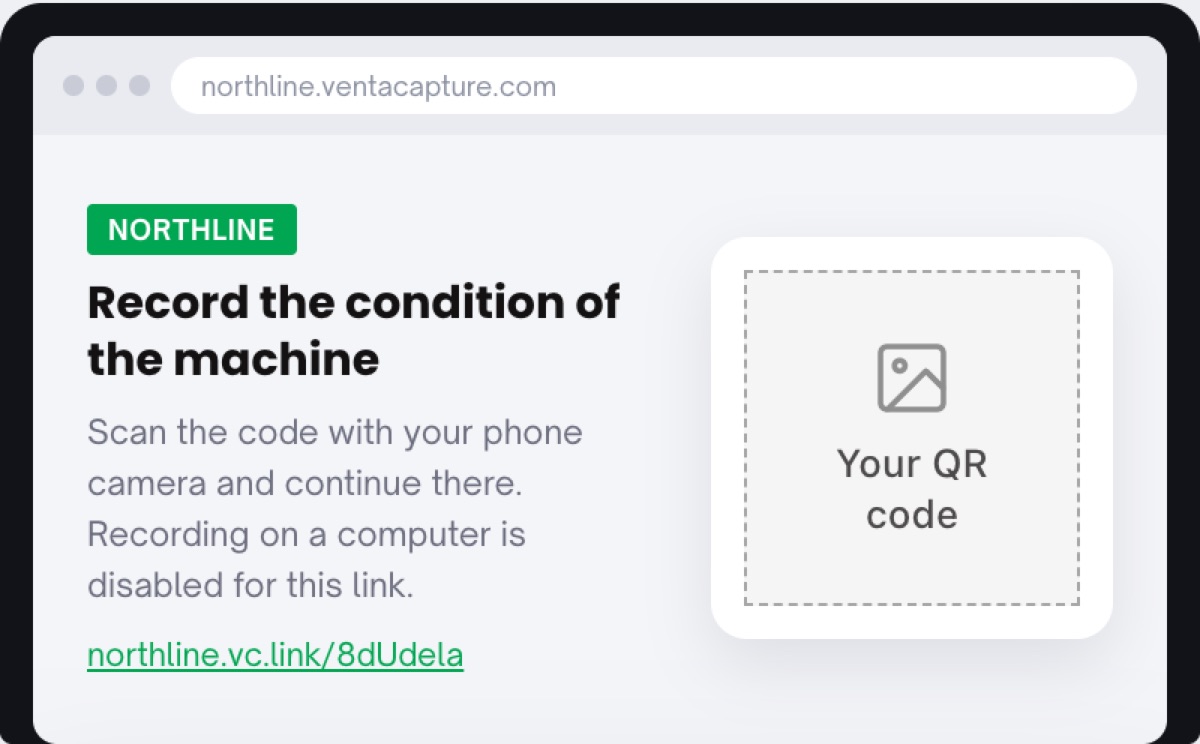
A link opened on a computer shows a QR code to continue on the phone; recording on a desktop is switched off. Every submission comes from a real phone camera, recorded in the session.
A colleague can start a capture themselves for counter check-ins, workshop intake or proof of work. Same flow, same seal, same inbox, no message to send first.
Print one QR code for the counter and see what comes back this afternoon.
The share dialog sends it by email (with the QR code included if you tick the box), by SMS, as a link to paste anywhere, or as an animated GIF for an email signature. The QR code is not only a printed thing: it works on a portal, a service screen, an invoice or a confirmation email just as well as on a sign.
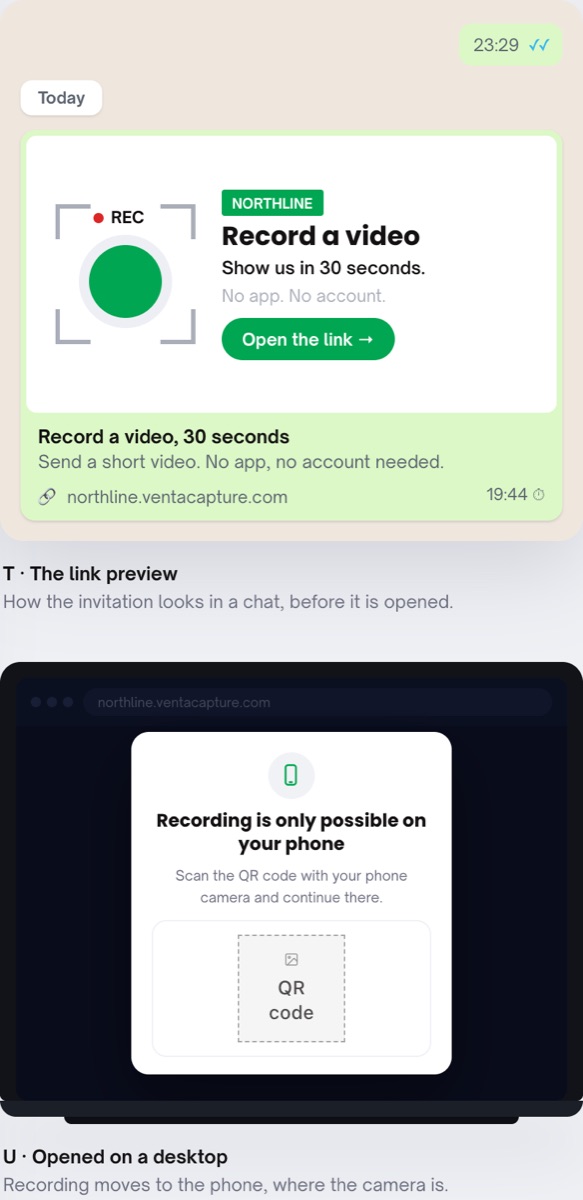
Opened on a computer, the capture page blocks recording and shows a QR code to continue on the phone. The link preview the customer sees in WhatsApp or SMS already says "No app. No account."
A colleague with a login can start a capture from the dashboard without sending a link: the counter, the yard, the site. The case lands in the inbox like any other, with the same reference scheme and seal.
Combine the QR start with a scan step in the flow: the customer scans the machine's barcode, the asset tag or the QR sticker as the first step, so the case lands on the right object without anyone typing a number.
On-site starts carry rental and handover, equipment rental, service intake at the counter and proof of work by contractors. The code and the page carry your branding. Rental companies: see Venta Capture for rental companies. Glossary: guided capture, handover inspection, proof of work.

No. The phone's camera reads the code and opens the flow in the browser. No app, no account.
Anywhere a phone can see it: a check-in screen, a customer portal, an invoice, a confirmation email, a sign at the counter or in the yard. Each form has its own code.
The page explains that recording is only possible on a phone and shows a QR code to continue there. Recording on a desktop is switched off, so every submission comes from a phone camera.
Yes. A colleague can start a capture from the dashboard without sending a link, for counter check-ins, intake or proof of work. It becomes a normal sealed case.
If you switch it on per form, the customer receives their own copy straight after sending, so both parties hold the same record.
One QR code at the counter, one link on the portal, one colleague who starts it on site. Same flow, same sealed case.
Live in 10 minutes. Stuck? Book a free setup call and we build your first flow together.
