
Inspection management software, defined: what the category does and where the evidence enters it
Inspection management software is the system an organisation uses to plan every inspection that is due, give the inspector a structured form to complete, hold the photographs and readings collected, turn findings into corrective actions and reports, and keep an audit trail of who did what and when. It is the operating layer for a compliance, quality, property or maintenance team with more assets than any one person can track.
The definition matters because the category name suggests the software does the inspecting. It does not. It schedules, structures, stores and reports. The evidence still comes from a person standing in front of the asset with a camera, and every downstream report is only as good as what that person captured.
What inspection management software covers
Five parts, and a serious product has all five:
- Inspection scheduling: each asset in the asset register carries an interval and a last-done date, and the system produces the due list and assigns it to a named inspector.
- Forms: the inspection checklist for each asset type, built as a digital inspection form with required fields, required photos and follow-up questions on a fail.
- Evidence: the photos, videos, meter readings and signatures held against the inspection they belong to, with their time and, where available, location.
- Actions and reporting: a fail raises a corrective action with an owner and a due date, and the inspection report is produced from the record rather than typed up afterwards. Dashboards show what is overdue, what failed, and where.
- Audit trail: every submission, edit, reassignment and closure is logged with the account and the time, so the history of any decision can be reconstructed.

How inspection management software works in practice
An asset is registered once with its type and interval. The system tells the compliance manager what falls due this month, the manager assigns it, the inspector opens the form on site and completes it, the result flows into the record, and any fail becomes a job for someone else. When the auditor asks for the last four checks on a specific asset, they are pulled up in seconds with the photos attached, instead of being reconstructed from a filing cabinet and a shared drive.
Most products in the category grew out of environmental, health and safety or quality management, so the vocabulary tends towards non-conformances and corrective actions. Property compliance teams, plant and fleet operators and inspection contractors use the same mechanics under different names.
Inspection management software example: fire door checks across forty blocks
A housing provider owns forty blocks of flats and has a duty to check the fire doors in the common parts on a regular cycle. Each door is registered as an asset with its interval. The system produces the due list for the month and assigns each block to a compliance officer.
In one block the officer finds a flat entrance door with the intumescent strip missing from the top edge and a closer that no longer pulls the door fully shut. The form records both fails with the required photos, the system raises a corrective action to the fire door contractor with a due date, and the contractor closes it a fortnight later with a photo of the replaced strip and the adjusted closer. When the fire and rescue authority asks about that block, the provider shows the check, the fail, the repair and the closure photo on one screen, each with a date and a name against it.
What inspection management software does not do, and the mistakes teams make
It does not make a check happen. A schedule that says the check was due does not mean anyone looked. A completed form proves a form was completed. The photo is the only part of the record that shows something was seen, and only if it was taken there and then.
It only reaches people with a login. These systems are built for employees with the app installed. The tenant who reports the mould, the driver doing the morning walkaround on a subcontracted lorry, the contractor completing the job in an empty property: none of them are users, so their part of the evidence arrives by email and WhatsApp, outside the system, and is retyped in by someone else.
The recurring mistakes: configuring every form in the product before anyone has inspected anything, making the mobile form so long it is filled in from the van afterwards, allowing photos to be attached from the gallery so the record cannot show when they were taken, buying the scheduling and skipping the corrective actions, and producing dashboards nobody is required to act on.
Where guided capture fits: the input layer
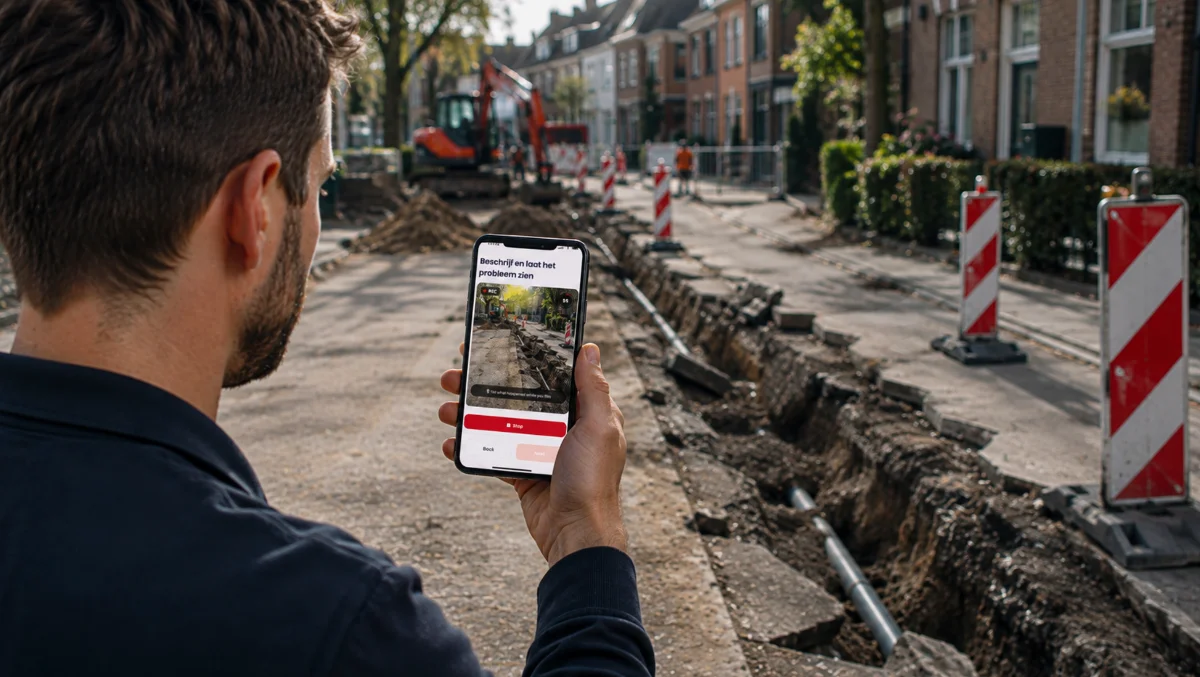
The system of record is the right place for scheduling, actions, reports and the audit trail. What it lacks is a way for the person who is already on site, but is not a user, to put evidence into it properly. Venta Capture, a product of VentaVid, fills that input layer: the tenant, driver, operator or contractor is sent a link, follows the guided steps in the mobile browser with no app and no account, takes each photo or video in the session as instructed, and the submission arrives timestamped and sealed as a structured case that can be forwarded to the inspection system through its API and webhooks. Details at the Venta Capture pages.
In practice: see how field service teams use Venta Capture.