Your customer is guided through every shot, so you get exactly what you need, in the right order, the first time. Venta Capture, a product of VentaVid, is a guided visual capture platform: your customer, tenant, driver or contractor films what you need on their own phone, guided step by step, with no app and no account, and it arrives as a sealed, structured case in your team’s inbox.
Told what to film, while filming. Recorded in the session, on this device, sealed on arrival.
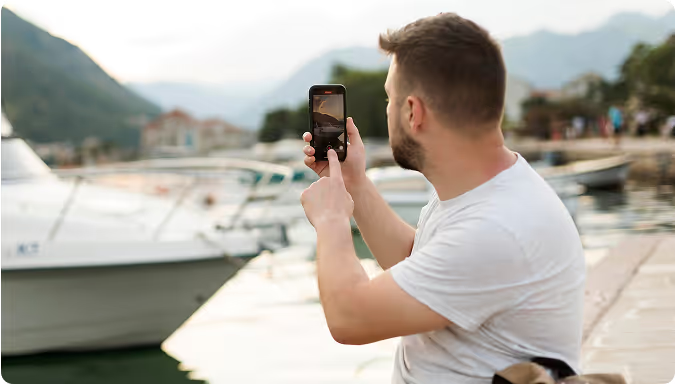
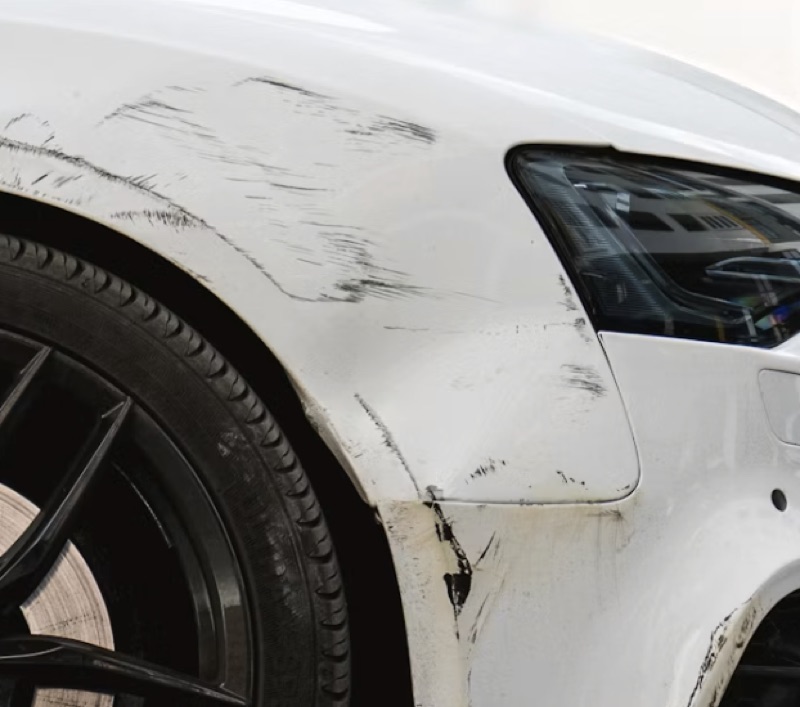
Walk around the object slowly
Tell us what happened while you film.
"Send us some photos" returns whatever the customer thinks matters: the wrong angle, half the story, a picture from last month. Then someone calls back, explains again, and waits again. This is the same in a claims department, a service desk, a dealership and a property office.
Every missing angle is one more phone call or, in the end, a visit.
The customer does not know what an expert wants to see, and a text message cannot teach them.
Ten submissions come back in ten different shapes, so nothing can be compared or routed.
A secure personal link by SMS, WhatsApp, email or QR code, in your branding. It opens in the browser of any phone. No app, no account.
One instruction per step. Scan the reference, film one lap, take three named photos, answer two questions. While the camera runs, the instruction stays on screen.
The submission arrives in the shared inbox under your reference: video, photos, the answer to every question, a transcript and the session timeline. Recorded now, on this device, fixed on arrival.
Your team watches, reads, and decides. If a shot is missing, a retake is one click and asks the customer why.
The flow asks for each shot explicitly, so the angles, close-ups and answers you need arrive together. No second call to explain what "the other side" meant.
Because the steps and the order are yours, submission fifty looks like submission one. That is what makes a case routable, filterable and reportable instead of a clip in a mailbox.
The questions you asked come back as data against your own reference, next to the transcript of what the customer said out loud. A system can read it; a colleague can search it.
Walk through a flow on your own phone in two minutes.
What the customer sees on the phone, step by step, and what it turns into on the case.
During a video step the instruction sits over the camera view while the recording runs, with a countdown timer you set per step. "Walk around the machine and describe out loud what you see" stays readable until the customer taps stop. Afterwards they preview the clip and choose retake or use this.
Nobody types a paragraph on a phone in the rain, but everyone can talk. The audio is transcribed per question and becomes searchable text in the case, so a reviewer can search for "leak" and jump to the moment it was said.
At the start of the recording a short code appears on screen and the customer reads it aloud. After transcription the server looks for it in what was said. That confirms the video was recorded in this session, not earlier and not from another screen.
A photo step shows a grid of slots, each with a label, a required or optional flag, a plain-language instruction and an example photo of what a good shot looks like. The counter reads 0/3 until every required slot is filled, and the camera opens with the instruction still on screen.
Opened on a computer, the page shows a QR code to continue on the phone. The camera that films is always the one in the customer’s hand, which is what makes "recorded now, on this device" true.
 ✓
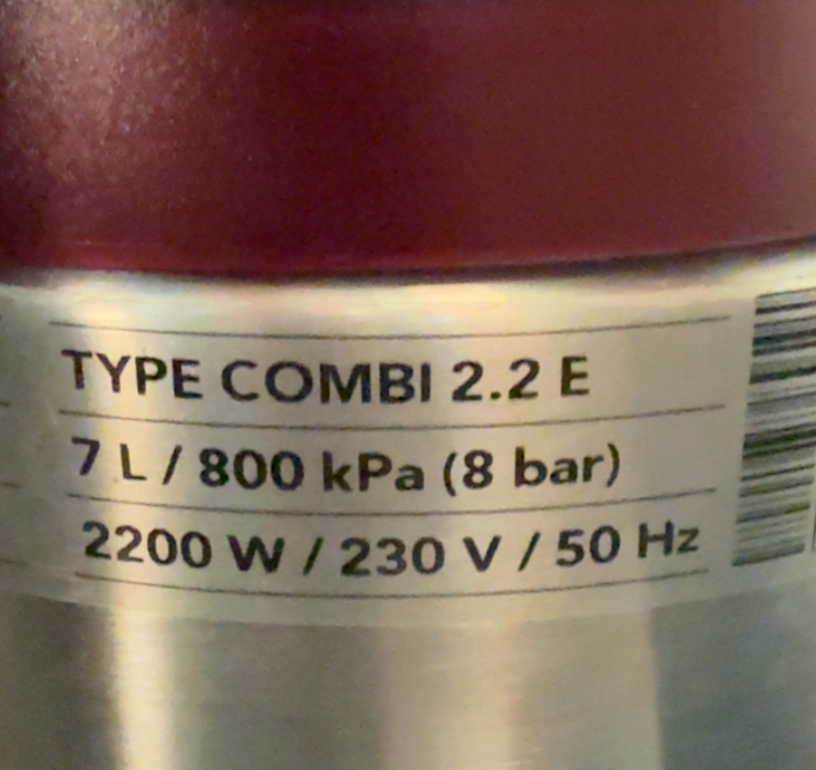
✓A block type in the flow builder: label, instruction, required or optional, example photo of where the code sits. On the phone: a scan frame, a torch button, and manual typing when scanning fails.
QR codes and barcodes, such as a serial-number sticker, an asset tag, a VIN sticker or a product label. The value lands on the case exactly as printed, so nobody types it wrong or looks it up later.
Your own reference scheme (prefix, digits, year) plus a separate "your reference" field for the number your own system already uses. The scanned value sits with both, and goes along through the API or a webhook.
 Aim at the codeTorch
A yes on "is there damage the fixed photos do not show?" opens an extra photo step; a no moves on. The customer only films what matters in their situation.
A water damage flow can start with "where is the problem, inside or outside?": inside gets a video of the room, a photo of the meter and a question about running water; outside gets four photos around the object and a slow walk-around. Both end in the same submit and seal.
If a chosen field meets a condition, the case can route itself: an urgent tag, an email to a named address, a status. The answers are data, not a paragraph in a mailbox.
What the customer sees
Only the branch that applies. The other three never appear.
The flow tells them per step: show this, film this, answer this. The order and the wording are set by your team in the flow builder, and an example photo per step shows what a good shot looks like.
No. The link or QR code opens in the browser of any phone. No app, no account.
By default, no: video and photos are recorded in the session, on that device. Per form you can allow an extra upload, and every upload is then checked on time, device, location and editing and labelled as not verified.
You set a timer per video step, and there is no fixed maximum on video length or on the number of photo slots per step. Most flows keep it to a few minutes so the customer finishes in one go.
It is a simple check that the recording happened in this session. The code is shown on screen at the start, the customer says it, and the transcript confirms it. It takes two seconds and needs no app.
One click sends a retake request with the same flow, aimed at what is missing. The retake asks the customer why they are recording again and lands as a new case linked to the original.
For a deeper look at getting usable images the first time, read our guide to guided photo capture. Where it is used: remote claim inspection, field service, car dealerships.
One link, one guided flow, and a case that arrives complete.
Live in 10 minutes. Stuck? Book a free setup call and we build your first flow together.
