


This post in 30 seconds.
- Guided photo capture is a shift in who decides what gets photographed. An upload leaves that call to the person holding the phone. A guided flow makes it yours.
- The mechanics are ordinary: a link, a browser, a numbered sequence of shots and questions, and a targeted retake when something is missing.
- Written for the operations and product people in claims, automotive, field service, support, and property who have run the "send us some photos" loop and counted what it costs.
The reply lands four hours later. Three photos of a bumper, all taken from about eighteen inches away, none of them showing which end of the car you are looking at. No wide shot. No plate. Nothing that tells you whether the crease runs into the wing.
So you write back and ask for more. That is one more day on the case, one more touch from a handler, and one more chance for the customer to decide you are hard work.
The photos were not the problem. The instruction was. "Please send us some photos of the damage" hands the editorial decision to someone who has never assessed damage in their life, and then judges them for getting it wrong.
Guided photo capture takes that decision back.
If you run claims intake, a service drive, a field-engineering rota, or a support queue, the cost of a bad first submission is something you can already put a number on: the second contact, the third photo, the visit you booked because nobody could see the thing. Venta Capture, a product of VentaVid, is built for that exact gap, and you can open a free account and build a flow before you talk to anyone.
In this post:
What guided photo capture actually is
Guided photo capture is a process where the organisation defines what needs to be photographed or recorded, in what order, with what instruction attached to each step, and the person at the location follows that sequence on their own phone.
That is the whole idea. Everything else is implementation detail.
The implementation detail happens to be light. The participant gets a link by SMS, WhatsApp, email, or a QR code. It opens in their mobile browser. There is no app to install and no account to create, which matters more than it sounds like it should, because every install screen is a place where people give up and phone you instead.
Guided capture moves exactly one decision, and it happens to be the decision that matters: who gets to say what counts as relevant. An upload asks the participant to work that out. A guided flow tells them, one step at a time, and never asks them to guess.
Here is what that looks like in practice. Instead of a single instruction:
Upload vehicle photographs.
the request becomes a sequence:
Show the complete front of the vehicle.
Show the driver's side.
Show the rear.
Record the damaged area from a distance.
Move closer and show the damage in detail.
Explain what happened while you are recording.
Same phone. Same person. Completely different submission at the other end. The Venta Capture platform is built around that sequence, and the product overview walks the request, capture, and review loop end to end.
Why "send us some photos" keeps failing
A customer does not know what an expert needs to see. No criticism intended: knowing what to look at is the entire reason your assessors get paid.
Ask an untrained person for photos of a problem and you get a fairly predictable set of misses:
- Too close. The damage fills the frame with no reference for scale or position.
- Too far. The whole vehicle, the whole room, and a defect you cannot resolve at that distance.
- The subject without the context. A machine, but not its display. A wall stain, but not the ceiling above it.
- The context without the subject. A wide shot of a kitchen when the reported fault is a specific appliance.
- Described, not shown. "It makes a strange noise" typed into a form, when ten seconds of audio would have settled it.
Each miss costs you a round trip. Someone reads the case, spots the gap, writes back, waits, re-reads, and spots the next gap. Four exchanges in, a physical visit starts looking cheaper than the correspondence.
The people who arbitrate these disputes for a living say the same thing. In the UK's Tenancy Deposit Scheme, adjudicators reported that photographic or video inventories remain the single most effective way to support a claim, and that cases routinely fail not because the claim was wrong but because nobody documented the original condition well enough to prove it. Cleaning featured in 54% of claims that year and damage in 49%, both of which are visual arguments decided on visual evidence.
The evidence decides. Most organisations still leave the collection of it to whoever happens to be holding the phone.
If that is the loop you are trying to close, start a free Venta Capture account and build one flow for your highest-volume case type. It takes less time than the back-and-forth on a single case.
What changes when you write the shot list
Your organisation knows what a good submission looks like. Somebody in your building could dictate the required views for your most common case type in about ninety seconds, from memory, without notes.
Guided capture is the act of writing that down once and pointing it at everyone.
A flow can require the participant to record something, photograph something, show a specific area, explain out loud what they are seeing, answer a question, confirm a checkbox, and then submit. Each step carries its own instruction, so nobody has to interpret a generic request.
Conditional questions do the branching your handlers currently do by phone. If the answer to "is the vehicle drivable" is no, the flow can ask for the views that matter when a vehicle has to be recovered, and skip the ones that do not. The customer never sees the branch. They just see the next step.
And when something is still missing, the answer is a retake rather than a restart.
A reviewer can ask for exactly the gap:
Please record the left side again and include the rear wheel.
Please show the complete display while the error code is on screen.
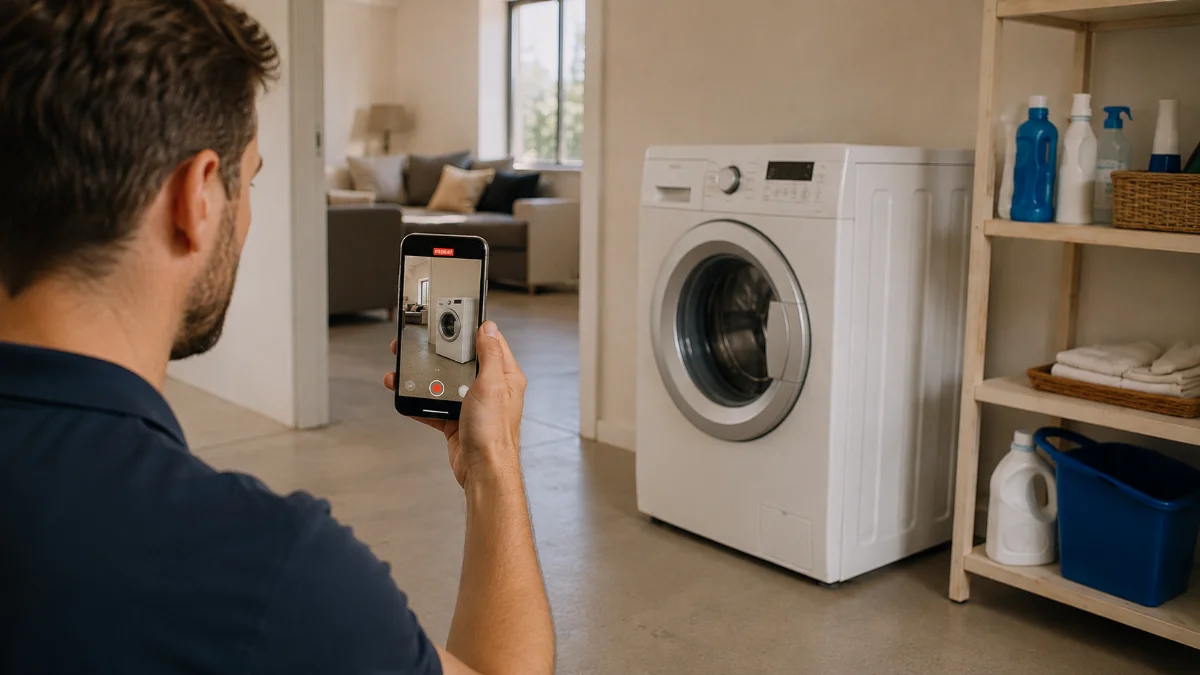
The case stays open, the new material attaches to the same case, and the history shows what was asked for and when. The loop becomes capture, review, request, retake, continue, instead of capture, review, abandon, dispatch. Our guide to structuring insurance claim documentation goes deeper on what belongs in a first submission versus a follow-up.

Use the person who's already there
Before you send someone to look at a situation, there is a cheaper question worth asking: is there already somebody at that location who can show you what you need to see?
There usually is. A customer standing next to the damage. A tenant in the flat. A driver at the roadside. A technician mid-job. A contractor who has just finished and is about to drive away.
None of them are inspectors. None of them need to be. They do not need to know which angles matter, what an assessor normally checks, or how your internal process works. Your organisation supplies the expertise through the flow. The person on location supplies the eyes and the camera.
That is also why "no account" is a real requirement rather than a nice-to-have. A contractor who has to be onboarded onto your platform before they can send you a completion photo will send you a WhatsApp message instead, and you will lose the record.
The operational case for seeing before you go is well documented. Aquant's 2025 Field Service Benchmark Report, covering around 160 service organisations and more than 600,000 technician service records, found top performers running a 3% avoidable dispatch rate against 24% in the bottom fifth, with first-time fix at 86% versus 53%. The gap between those two groups is mostly a gap in what they knew before the van left.
On the customer-support side, Venta Capture reports 23% of customer problems solved without dispatching a technician. That is one number from one use case, and your mix will differ, but it points at the mechanism: some of what you currently drive to is a thing you could have simply looked at. The field service and customer support pages set out how the pre-visit and triage flows are put together.
Standardising what gets captured, at scale
At ten submissions a month, inconsistency is an irritation. At ten thousand, it is an operating problem.
Without guidance, every participant documents the same situation differently. One sends twelve photos. The next sends two. Someone records a five-minute video of a hallway. A fourth photographs the damaged panel and nothing around it. Your reviewers then spend their attention normalising the input instead of assessing the case.
Comparability is a property of the request, which is why briefing your reviewers harder never fixes it. A flow standardises five things at once:
- What is captured. The required views, named and ordered.
- How it is captured. Video where movement matters, stills where detail matters.
- The order. Wide before close, context before subject, so the reviewer reads every case the same way.
- The questions asked. The same contextual answers attached to every submission.
- What travels with the images. Spoken explanation, transcript, timestamps, case context.
That same methodology then runs across customers, employees, contractors, teams, branches, regions, and case types. Where a situation genuinely needs different information, you build a different flow rather than writing a longer email. A before-rental and after-rental pair is the simplest version of this, and our rental condition report guide works through one.
Sealed on receipt, and what that proves
A file that arrives by email tells you almost nothing about itself. Someone supplied it. That is the extent of the metadata you can rely on.
You do not automatically know whether the video was already sitting on the device, whether it was edited before it was sent, when your organisation actually received it, or whether the copy you open eight months from now is byte-for-byte the one that arrived.
Guided capture narrows that gap in two ways. First, the material is recorded inside the requested flow rather than picked from a gallery, so the path from "record" to "submit" is short and does not pass through an export step. Second, the submission is described the moment it lands:
- Server-side receipt time. Your clock, not the participant's phone clock.
- SHA-256 fingerprints. A hash per file, checkable later, and checkable outside the platform.
- A session timeline. The recorded events of the capture itself, not just the final file.
- A signed seal. Verifiable with a public key by someone who does not have a login.
- Control-point signals. Technical indicators graded from ignore through info and amber to red, according to your own risk policy.
Now the honest part, because this is where the category oversells itself.
Harder to manipulate is not the same as impossible to deceive. A perfectly genuine live recording can still show a staged scene, an unrelated object, or a true fact stripped of the context that would change your decision. A signal is a reason to look, never a verdict. And a receipt timestamp proves when the submission reached the system. It does not prove when the damage happened, and any vendor telling you otherwise is selling you a liability.
What it does give you is a case you can still defend later, which matters in a market where the scale of the problem is not in doubt. UK insurers detected £1.16 billion of fraudulent claims across 98,400 cases in 2024, with motor accounting for 53% of them, according to Association of British Insurers figures. The decision on any one of those stays with a human assessor. The job of the evidence layer is to make sure that human is looking at something traceable. The remote claim inspection page details the control points, and we have covered the practical side in photo evidence for insurance claims and running a remote claim inspection.
Close the evidence loop. Send a link, get guided video back, sealed and ready to review.
Book a demoStart free account →