Venta Capture, a product of VentaVid, is a guided visual capture platform: your customer, tenant, driver or contractor films what you need on their own phone, guided step by step, with no app and no account, and it arrives as a sealed, structured case in your team’s inbox. That inbox is shared: every case has a reference number, a status, an owner and a clock. Your team reviews, asks for a retake in one click, claims, escalates and closes, and the next person sees exactly what the last one saw.
4 out of 5 issues handled and closed the same day. Reported by teams using Venta Capture, a product of VentaVid.
 app.ventacapture.comShared inbox12 open, 3 newFilterNew
 IC-2026-000381 video, 8 photosNew
 IC-2026-000371 video, 8 photosIn progress
 IC-2026-000361 video, 8 photosCompletedWhere it landsOne inbox for the whole team.✓Statuses and owners✓SLA in hours per case✓Retake in one click
Video from customers ends up on private phones, in personal mailboxes and in chat groups. Two colleagues work the same case, a third waits for someone who has left for the day, and the customer calls to ask what happened. A missing shot means another phone call, another explanation, another week.
Nobody can say how long a submission has been open, or who decided what.
A claims team loses a case between the handler who received it and the appraiser who should have looked at it, and the customer chases both.
A field service or support desk cannot tell which fault reports are waiting on the customer and which are waiting on them.
A dealer group, a rental company or a property manager with several locations cannot see which branch is looking at what.
Your team sends a secure personal capture link, or the customer scans a QR code. Staff can also start a capture themselves at the counter or on site.
The customer films what your flow asks for, answers the questions and submits. Recorded now, on this device, sealed on arrival.
The submission arrives under your own reference number with the default status. A routing rule sends it to a person or a team with an SLA in hours; without a rule, it lands in the tenant inbox. Video, photos, answers and transcript arrive together.
Someone claims the case or is assigned, watches, reads the transcript, checks the timeline. If a shot is missing, one click asks the customer for a retake. Then: add a note, escalate with a reason, or move it to the next status and on to your own systems.
Every case has one owner, one status and one clock. That means you know who is working on it, how long it has been open, and whether the delay sits with your team or with the customer.
Video, photos, answers and transcript sit together, so most cases can be judged from the desk. If something is missing, one click sends the customer the same flow, aimed at what is missing, and the retake links itself to the original.
Notes, statuses, retake requests, escalations and the activity log sit on the case. That means a colleague, another branch or a partner picks it up without a hand-over call, and the four-eyes moment happens in the file, not in a chat thread.
Request a capture link, film on your own phone and watch the case arrive in the inbox.
Everything your team does after a submission arrives, in one place: assign, claim, note, route, review, retake, share and count.
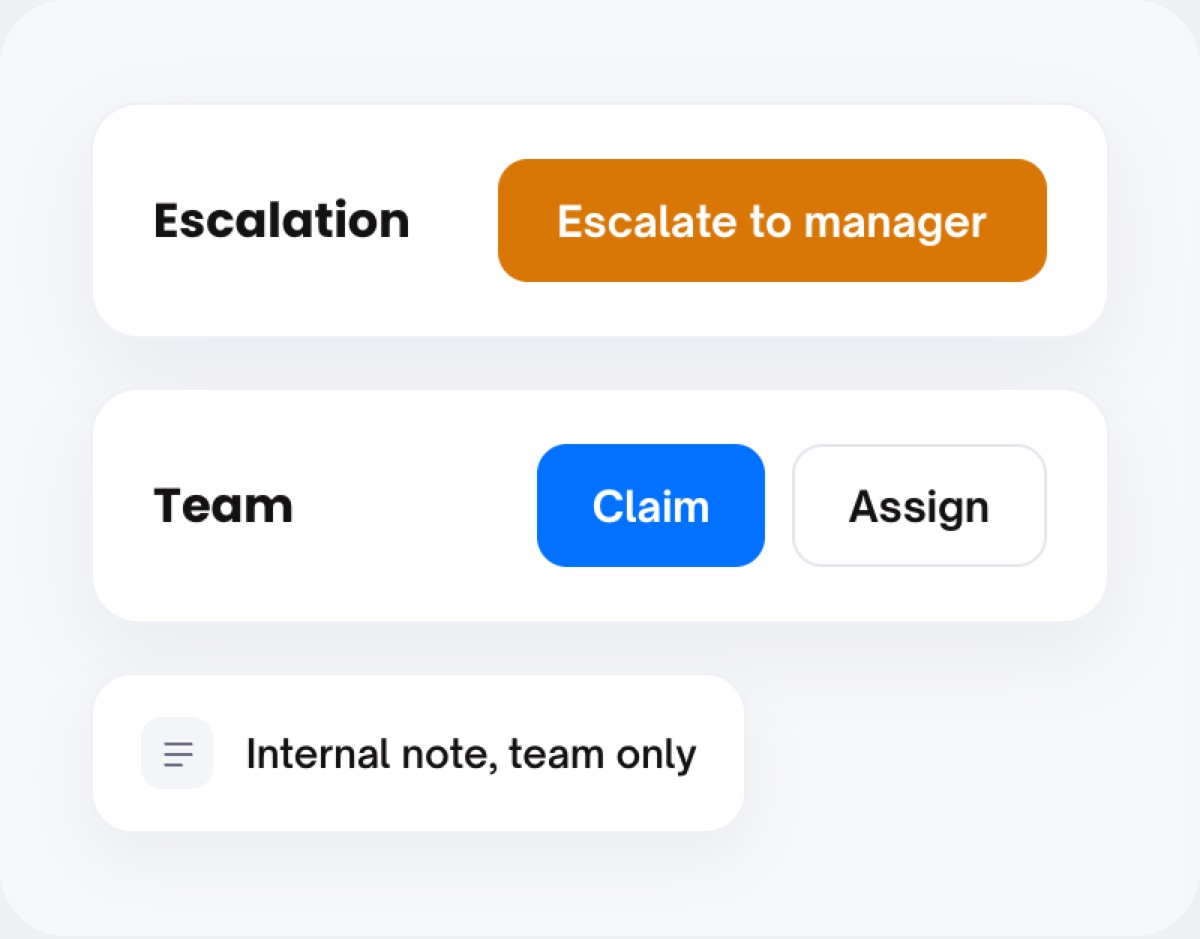
Every case shows who it is assigned to, its status and its SLA clock. Switch on "require claim" so a case must be picked up before it can be handled (admins and team leads exempt). Assign to a colleague, or escalate to a manager with a reason; they approve or reject and the decision stays on the case with its time. Internal notes and replies are team-only, with author and time, so the whole thread lives on the case.
Teams group people so a routing rule can point at a team instead of a person. Roles come as a set of system roles plus your own. Tenants are separate environments under one organisation, so a dealer group, an insurer or a national service organisation can model branches and brands under one contract.
Per form, Visibility decides who can open the submissions: everyone in the organisation or named people only. Every action on a case is logged: who did what, when, on whose account.
Per tenant, with colours, one default and one final. The shipped set is New, In progress, Completed, Closed; add your own for your process. Cases can be archived.
A rule per form or for the whole tenant sends the case to a person or a team, each with an SLA in hours. Notifications on a new submission, a claim, an assignment, a status change or a note, immediately or batched.
If a chosen field meets a condition, with AND or OR, then send an email to a named address or set a status. Conditions and actions stack. A clean case can carry a green-status button with its own label; it sets a workflow status and nothing else. Approval, payout or the job itself stay in your own systems.
Video and photos with their per-item checks, the answers per question, the transcript of what was said, the session timeline and the signals. A reviewer can comment on a single photo or video: "this is the wrong side of the vehicle". Comments carry author and time and stay with the item.
One click sends the customer the same flow, aimed at what is missing, with a personal message. The flow asks "Why are you recording again?" and stores the answer. The retake becomes a new case, explicitly linked to the first. Nothing is overwritten.
Your team gets "New submission received" with the reference and a button to the case. The customer gets the retake request in your branding with a button back into the flow.
1:42 · transcript readyInstruction: "Film the outside rear-right again, I can't see it clearly." The new recording links itself to this case.
Two buttons on every case. The view link opens the case for someone with no account: media, answers, transcript, seal status. An expert, a partner garage or a landlord can look without logging in, and the seal, fingerprint and manifest travel with it. Copy for CRM adds the case data, ready to paste into your own system. Per route, the notification email links to the view link, the dashboard, or both, so mixed teams each get the right door.
The statistics screen reports on the cases in your tenant: how many submissions arrived, how long they took to move, and where they stand by status. It is built on the same cases and statuses your team works with, so what you report is what you handled.
Filter the inbox by status, flow, owner or period and work the list. Every count rests on the activity log: link created and by whom, each time the customer opened it (recorded server side), the submission received, claim, assignment, notes and status changes. The API and webhooks expose those same events and the case data under your own reference number, so a claims platform or a BI tool can count what Capture counts.
Routing per form or for the whole tenant sends it to a person or a team, with an SLA in hours. Optionally a case must be claimed first. In doubt, anyone can escalate to a manager with a reason.
The video and photos with counts and their per-item checks, the answers per question, the customer’s details, the transcript of spoken answers, timestamps, signals and the activity log, all under your own reference number and your separate "your reference" field.
One click: retake. The customer gets the same flow, aimed at what is missing, and the new submission becomes a case linked to the original, with the customer’s reason for re-recording stored on it.
No. On a case with no signals a configurable button can set a workflow status, and nothing more. Payout, approval or job closure happens in your own systems, and a person makes that call.
Yes, through a view link. The notification email can carry that link only, so handlers without an account still get everything they need, and the escalation path still works for the colleagues who do log in.
Yes. Users, teams, roles and tenants sit at organisation level, so a dealer group, an insurer or a national service organisation can model branches and brands under one contract.
Yes. Every spoken answer is transcribed per question and searchable in the case, so a reviewer can find the moment a word was said.
Yes. The statistics screen reports per flow, per team and per period on submissions, turnaround and statuses, with export. The API and webhooks carry the same counts into your own BI tool.
Where the inbox carries the process: remote claim inspection, field service, rental and handover and customer support. Background: our post on reducing claims cycle time.
Route your first flow to the right person and see the case arrive.
Live in 10 minutes. Stuck? Book a free setup call and we build your first flow together.
