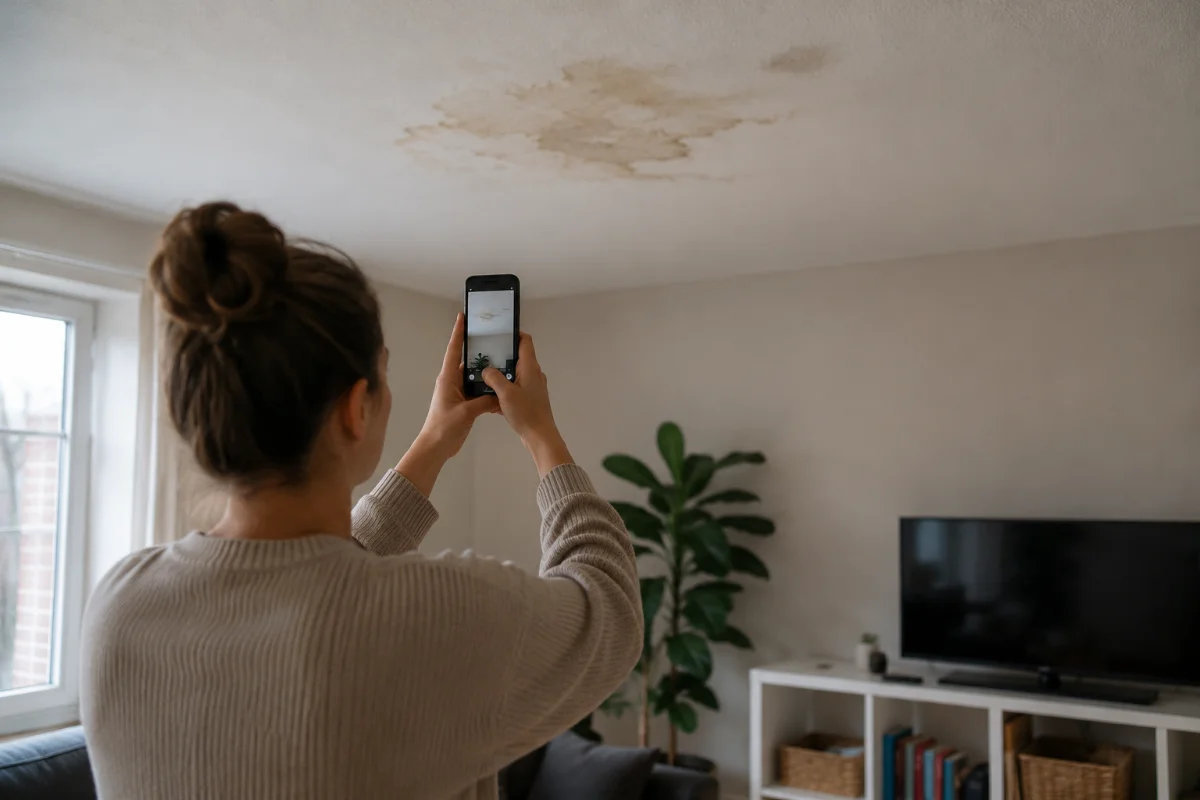
What is photo manipulation detection: the checking of a submitted photo or video for signs of editing, AI generation, screen recapture or reuse, so a reviewer knows how far the image can be trusted before acting on it.
Photo manipulation detection is the checking of a submitted photo or video for signs that it was edited, generated, re-photographed from a screen, or reused from an earlier claim or from the internet, before a claims handler or inspector relies on it. The output is a set of findings, each with a caveat, that a person weighs alongside everything else in the file.
It matters because images now decide money. A photo of a cracked bumper, a swollen floor or a damaged parcel is often the whole basis for a payment, a repair authorisation or a deposit deduction, and editing tools that were once specialist are now built into every phone. US teams tend to say "image tampering detection" or "image fraud detection"; the process is the same, and the honest name for what it produces is a signal, not proof.
What photo manipulation detection covers
In a guided capture platform the checks fall into four groups:
- Origin: was the image recorded inside the session on this device, or chosen from the gallery as an existing file? A session recording closes the record, edit, export, upload path. An upload leaves it open.
- Editing signs: file metadata that points to editing software, a capture time and a save time that disagree, or characteristics associated with AI editing or generation.
- Reuse: a reverse image search for the same picture on the internet, and a comparison with earlier submissions to the same organisation.
- Capture environment: virtual camera software on the device, a video that arrived by file fallback instead of a confirmed recording, or a device and network seen on another submission.
Each finding carries its own limit. A missing metadata block also happens after sharing through a messaging app. A re-save by a messaging app is not an edit. Virtual camera software on a device does not prove it was used for this recording. Shared IP ranges are never a verdict on their own.
How photo manipulation detection works in a submission
Venta Capture, a product of VentaVid, runs the checks per item and shows the result next to the image. A photo taken with the in-session camera is marked as taken via the platform, with the receipt time verified by the server. A gallery upload is marked "Provenance: Not verified" and given a green, amber or red panel: no anomalies in its checks, take a closer look, or do not trust without a new capture, with each finding and its caveat spelled out in plain language. The submission as a whole is scored green, orange or red against a named, versioned rule set, and a retake can be requested in one click, with the submitter's stated reason stored against the new case.
Photo manipulation detection example: a hail damage claim with one uploaded photo
A policyholder reports hail damage to a car roof. Six photos are recorded in the session and show a dimpled roof and bonnet under a grey sky. A seventh, "the storm as it happened", is uploaded from the gallery. Its panel comes back amber: no device data in the file, and a close match found on a weather site.
The handler reads the caveats. No device data is consistent with a photo saved from a web page, and the match confirms it. The damage photos themselves are clean and recorded in the session. She notes that the storm image is illustrative, not evidence of the loss, and authorises the repair on the six session photos. The flag told her what the picture was; it did not accuse anyone.
What photo manipulation detection does not do
It does not prove fraud. A genuine, unedited recording can still show a staged scene, an old dent presented as new, or damage on a different car of the same model. Harder to manipulate does not mean impossible to deceive.
It does not prove when the damage happened. The verified time is when the server received the submission. What the image shows is still for the human to judge.
It does not decide. Signals are reasons to look. A red panel means "do not rely on this item without a fresh capture", not "decline the claim".
The mistakes teams make: treating a clean panel as proof the claim is honest, treating an amber one as an accusation, ignoring the caveats printed under each finding, and skipping the retake route, which is the cheapest way to turn an unverifiable upload into a session recording.
Where the findings go
The findings stay in the case file with the image they refer to, with the reviewer's comment per item and the version of the rule set they were judged under. An earlier case is never silently re-scored when the rules change. The sealed submission, its digital fingerprint and the session timeline sit alongside, so anyone reopening the file later sees the same evidence and the same flags the original decision rested on. Details at the Venta Capture page.