
What is remote assistance: a working definition for support teams
Remote assistance is any method that lets an expert help a person at another location without travelling there, working from what they can see, hear or control through that person's device. It covers two quite different practices that share a name: remote control of a computer, and live video assistance through someone's phone camera.
For field service
Know what the job needs before the van rolls
Venta Capture, a product of VentaVid, lets the customer show you the fault first, so the engineer arrives with the right part or does not need to arrive at all.
The distinction matters more than the shared label suggests, because the two solve different problems and fail in different ways.
What does remote assistance mean in practice?
- Remote control and screen sharing. The agent takes over or observes a desktop, laptop or mobile device with the user's consent. Standard on IT service desks for decades.
- Live remote video assistance. The customer or technician points a phone camera at a physical object, and an expert watches the stream in real time and talks them through what to do. Sometimes called see-what-I-see support.
- Guided voice or chat. The oldest form, and still the default fallback. An expert talks someone through a procedure with no visual channel at all.
Live remote video assistance is the form most people now mean when they say remote assistance in a service context, because it extends the method past the screen and onto physical equipment. Note what it requires: an expert and a customer on a call at the same moment, both available, both with signal.

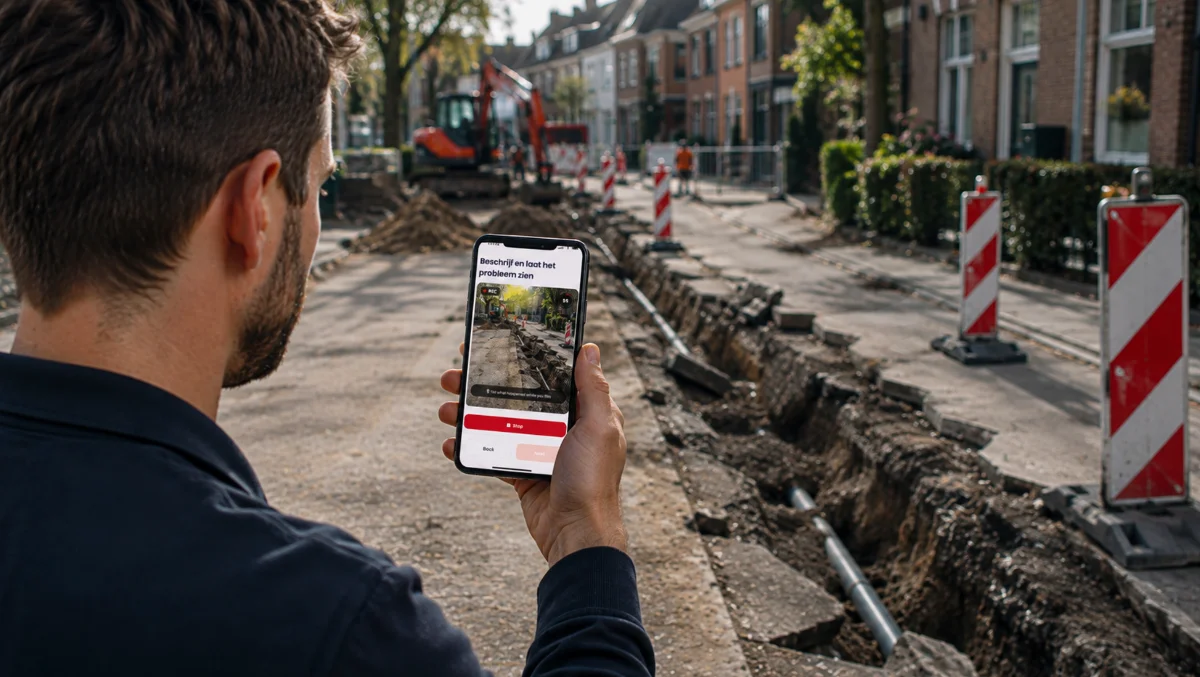
How does remote assistance work?
The pattern is consistent across the category: a case arrives, the agent decides that seeing or touching the device would resolve it faster than describing a procedure, a session is opened by link or invitation, the customer consents, and the expert works through the problem live. Most tools record the session or write a summary back into the ticket.
The variables that separate products are consent handling, whether it runs in the browser or needs an install, session recording and retention, and whether the session log lands in the case file or in a separate archive.
Where remote assistance genuinely wins
Remote control has a measurable effect on how much a service desk closes at the first tier. HDI reports that service desks using remote control tooling averaged 77.8 percent first level resolution against 61.4 percent for those without it (HDI, Metric of the Month: First Level Resolution Rate). That is a large gap for a single category of tooling.
The cost argument runs the same way. MetricNet puts the fully loaded cost of a desktop support ticket at about 70 US dollars against roughly 220 once someone has to travel to the user (MetricNet, Metrics Unleashed: Shift-Left). Any method that keeps a case off the field schedule is working against that difference.
Live video assistance is the right tool when the problem is genuinely interactive: when the next question depends on what the last answer showed, when the person on site needs correcting mid-action for safety reasons, or when a senior specialist has to make a judgement now rather than in the morning. No amount of prepared instruction replaces someone watching in real time and saying stop.
The trade-off to plan for: two calendars
A live session needs two people free at the same moment. That sounds trivial for one case and stops being trivial at volume. Five hundred live assessments is five hundred staffed sessions, and capacity is bounded by how many expert hours you can put behind cameras.
There is also a quieter cost in the customer's day. Booking a slot, waiting for it, and being somewhere specific with the equipment is real friction, and it is the reason a share of scheduled sessions are missed or rearranged.
The alternative model is asynchronous capture, where a guided request is sent, the person on site records what is needed when it suits them, and an expert reviews it later. That removes the appointment and the expert attendance, and gives up two things in exchange: latency, because the answer arrives when the participant gets to it, and the ability to ask an unplanned follow-up question mid-session.
Neither model is the correct one. Urgent, interactive and safety-critical cases suit live assistance. High-volume, repeatable assessments where the questions are known in advance suit asynchronous capture. Most support organisations end up running both and reserving live sessions for the cases that earn them.
Remote assistance example: a support desk decision
A customer reports that a commercial coffee machine is throwing a pressure fault. The agent has two options. Book a live video session for the afternoon, when a technical specialist and the site manager are both free, or send a guided capture request for the display, the water line and the group head, and review it in the queue.
If the machine is down and the site is losing trade today, the live session is the better call. If it is one of forty similar reports this week and the fault codes follow a known pattern, the request is faster for everyone and costs no specialist hours until review.
What remote assistance is confused with
- Remote triage. Assistance is the help itself. Remote triage is the decision about what happens next, which may well be a visit.
- Remote monitoring. Telemetry from the equipment, with no person on either end.
- Augmented reality support. AR support is live video assistance with annotation layered on top, not a separate category.
- Self-service. An article or a guided flow the customer completes alone involves no expert in the loop.
On the asynchronous side of this split, Venta Capture, a product of VentaVid, sends a browser-based guided request rather than opening a live session, and returns a structured case for review later. It is deliberately not a live assistance tool, which means it is the wrong choice for the interactive and urgent cases described above and the right one where the questions are known before the call would have started. For more on that boundary, see remote diagnostics in field service.
In practice: see how field service teams use Venta Capture.