Venta Capture, a product of VentaVid, is a guided visual capture platform: your customer, tenant, driver or contractor films what you need on their own phone, guided step by step, with no app and no account, and it arrives as a sealed, structured case in your team's inbox. For claims teams, that means evidence you can read, question and share, without an expert visit for every file.
Sealed on arrival. More than 25 control points per submission: automatic signals, recorded session events and one signed seal.
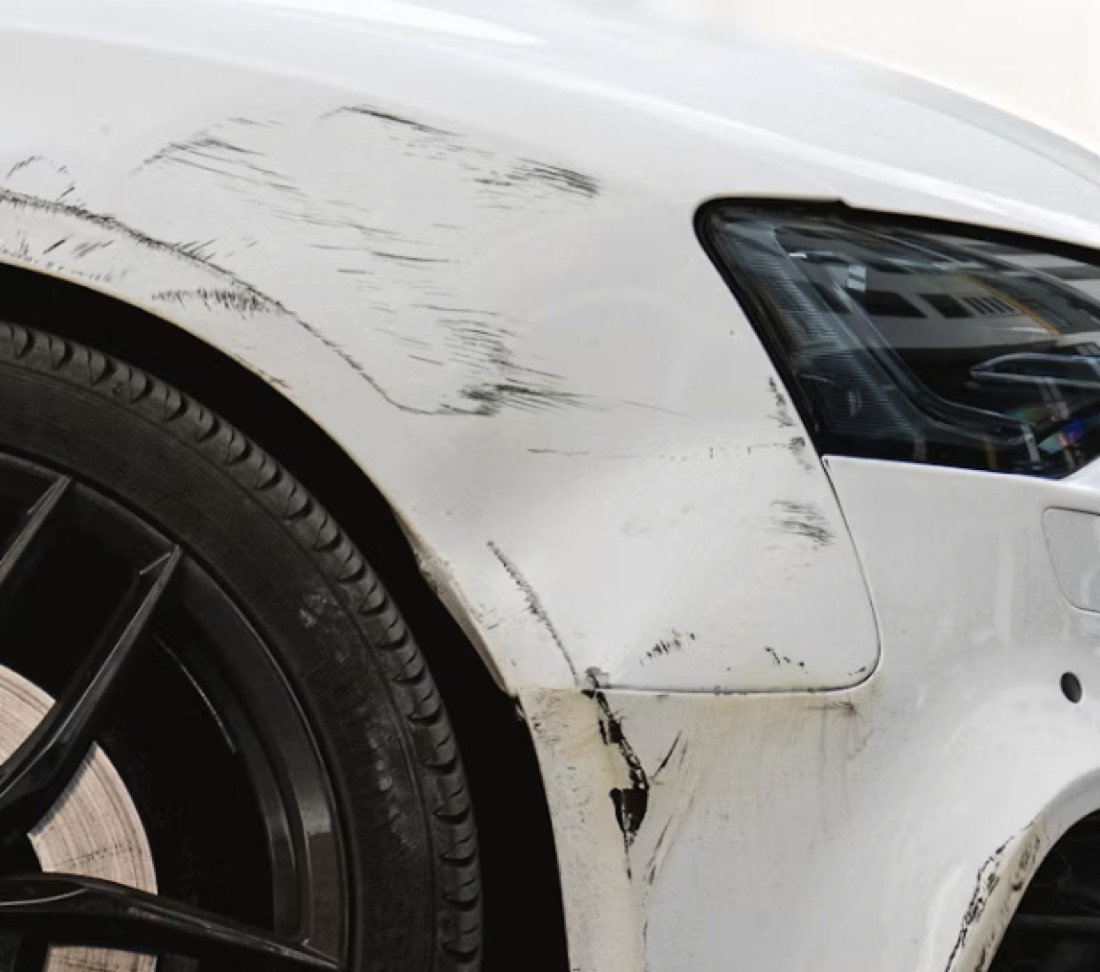
"Send us some photos" comes back as three dark pictures from the gallery, or a file that has already passed through two messaging apps. The claims handler cannot tell when they were taken, where, or whether anything was changed on the way. And the numbers behind that doubt are growing: Assuralia reported 181 million euro of proven insurance fraud in Belgium in 2025, almost 25% more than the year before. Admiral reported a 71% rise in detected fraud in 2025 compared with 2024. Aviva flagged more than 18,400 suspicious claims in 2025, worth 233 million pounds.
Photos from a gallery carry no proof of moment or place, and edits are cheap.
Every uncertain claim turns into an expert visit, booked days out.
The honest claimant, which is most of them, waits the same three weeks as the one who is not.
A secure personal link by email, SMS or WhatsApp at first notification of loss, or a QR code in the portal. Nothing to install, no account to create.
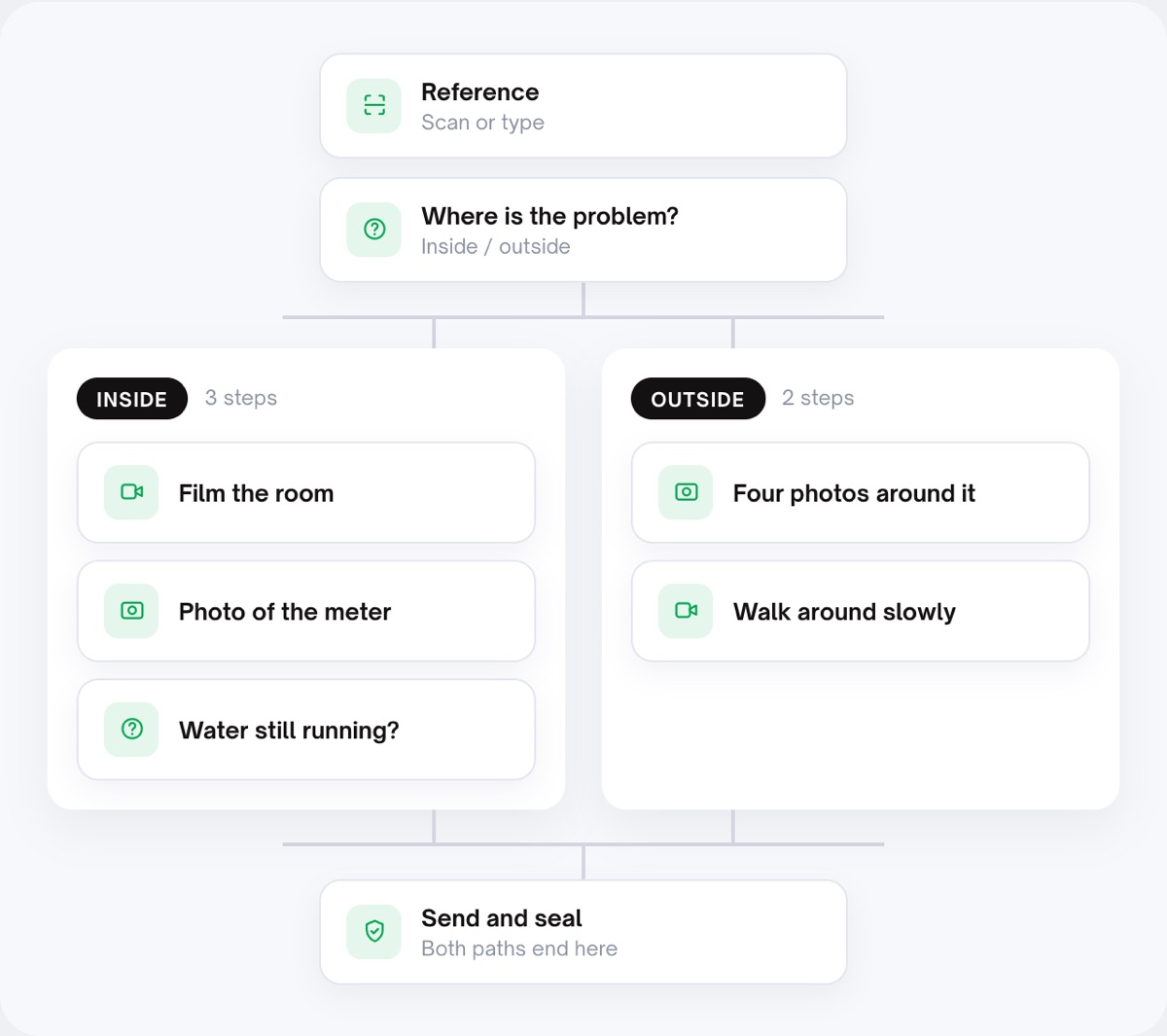
The flow asks for the wide shot, the close-ups, the walk-around with a spoken explanation, and the questions an adjuster would ask. You decide per form whether only a recording made now, on this device, counts, or whether an existing photo may be added.
On arrival the case gets a server receipt time, a SHA-256 fingerprint per file and a signed seal with a downloadable manifest. Signals show in green, amber or red, each with a plain-language explanation.
Clean cases move on with one button that sets a status. Anything flagged gets a closer look, a retake request or an escalation. Capture never decides the claim; a person does.
The expert's checklist lives in the flow, so a claimant who has never filmed damage before sends what an adjuster needs to see. Every case comes back comparable with the last one.
The seal answers "is this still exactly the file we received?", and the manifest can be verified outside the platform. Share the case with an expert or a lawyer through a view link, no account needed.
A gallery upload, a photo found on the internet, a device seen before: each shows as a finding with its caveat, never as an accusation. Harder to manipulate, never impossible, and your team decides.
Send one link to your own phone and see what a sealed claim looks like.
The claimant opens the link, ticks the consent line, and reads the notice that the recording is digitally sealed and checked for signs of editing. The flow asks for one photo of the whole bag, close-ups of the damage, a short video with a spoken account of what happened (transcribed), and a declaration. Only a photo or video made now, in the session, counts here.
The claimant may already have a photo from this morning. If you allow an extra upload on this form, the flow accepts it, then checks it on time, device, location, signs of AI editing and whether the picture already exists on the internet, and labels it "Provenance: Not verified" with an advice line. The guided part still follows: registration, four corners, close-ups, the walk-around.
No. It gives signals, green, amber or red, against rules you set. A signal is a reason to look, not a verdict. Your team decides.
When the system received the submission. Not when the damage happened. The session timeline shows what happened between opening the link and sending.
That is your choice per form. By default video and photos are made in the session itself. If you allow an extra upload, it is checked on time, device, location, AI editing and whether it exists online, and labelled "Provenance: Not verified".
Each submission gets a server receipt time, a SHA-256 fingerprint per file and a signed seal with a manifest that can be verified outside the platform.
Yes, through a view link. And "copy for CRM" puts the case into your claims system in one click.
Also relevant: photo and video checks, verify evidence and security and privacy. Background: our posts on remote claim inspection and photo evidence in insurance claims.
Guided remote claim inspection with evidence integrity built in, and signals a human can read.
Live in 10 minutes. Stuck? Book a free setup call and we build your first flow together.
