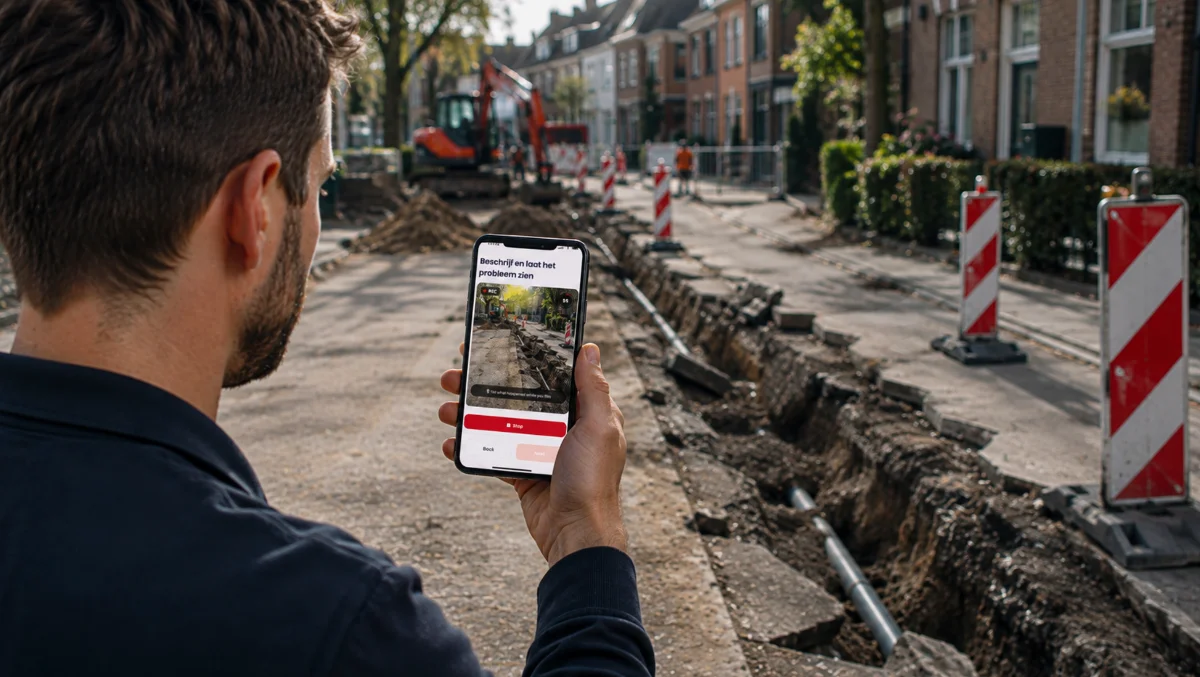
What is a photo request link: a link sent to the person on site that opens a guided sequence of photo steps in their phone's browser, so the organisation receives the exact images it asked for, in order, with time and location recorded.
A photo request link is the delivery mechanism for guided photo capture. The organisation sends a link by SMS, email, WhatsApp or as a QR code on a screen or a document; the recipient taps it, and their phone's browser opens a sequence of steps that says what to photograph, from where, and why. No app to install, no account to create. The submission comes back as a set of labelled images tied to a reference number rather than a pile of attachments in an inbox.
The term matters because most organisations already ask customers for photos and most of what comes back is unusable: a blurry corner of a bumper, a boiler with the fault light out of shot, a ceiling stain with no sense of scale. US teams sometimes say "photo capture link" or "self-service photo request"; in insurance the same thing sits inside self-service claims. The link is the easy part. The guided capture behind it is what makes the photos usable the first time.
How a photo request link works
- Request. A handler, service desk or system creates the link against a case reference and sends it. A QR code does the same job at a counter, on an invoice or in a confirmation email.
- Guide. The recipient opens the link on their phone. Each step shows a label, an example photo and a plain instruction: "the whole vehicle from the front left corner", "the boiler's display with the error code readable", "the ceiling stain with a door frame in shot for scale". Steps can be required or optional, and a yes/no answer can steer which step comes next.
- Capture. The photo is taken in the session through the camera, not chosen from the gallery, so the moment and place of capture are known. Where an existing photo is needed (the damage from last night, already photographed), an upload can be allowed for that step and marked as such.
- Receive. The submission lands in the team's inbox with the answers to the questions, the timestamps, the location and the device context, ready to route, review or send back for a retake.
What to put in a photo request
The flow is the expert's knowledge written down once. A good one is short, fixed in order, and asks for the minimum evidence set the reviewer needs to decide, plus one wide shot for context. A photo requirement per step beats a general instruction: "a close-up of the tyre sidewall showing the size marking" gets the right image; "photos of the tyres" gets four shots of tread from a metre away.
Photo request link example: a leaking shower tray
A tenant reports water coming through the kitchen ceiling. Instead of booking a plumber to look, the housing team sends a link with six steps: the ceiling stain from the kitchen doorway, a close-up of the stain, the bathroom above it, the shower tray edge and sealant, the pipework under the bath panel if it can be removed, and a spoken description of when it started. The tenant does it that evening in four minutes.
The submission shows cracked sealant along the tray and a dry trap, so the surveyor books a sealant repair rather than a leak investigation, and sends the same photos to the contractor as the job spec. The visit that would have been "come and have a look" becomes "come and fix this". The same pattern runs in claims (a scuffed alloy and a kerbed tyre), dealer aftersales (a warning light and the mileage) and field service (the panel, the fault code and the label).
What a photo request link does not do, and the mistakes teams make
It does not replace judgement. The photos let a qualified person decide from a desk. They do not decide anything themselves, and some cases still need someone on site.
It does not prove what an uploaded photo shows. An image captured in the session carries its time and location. An image the customer already had on their phone does not, and the record should say so rather than pretend otherwise.
The mistakes are consistent across sectors. Sending an open "please send photos" request with no steps. Asking for twenty images when six will do, so the customer gives up at step nine. Requiring an app download at the worst moment of the customer's week. No example photo, so the customer guesses the angle. And no retake request path, so a single bad shot restarts the whole phone loop.
Where the photos go
They belong to the organisation that sent the request, filed against its own case reference, with the answers, timestamps and location alongside them. A copy can go to the submitter as well, which matters in rental and property, where both sides then hold the same record.
Venta Capture, a product of VentaVid, is built around this link. The organisation builds the steps once, sends a secure, personal capture link or QR code, the participant follows the guided steps in the mobile browser with no app, and the submission arrives timestamped, located and sealed for review in a shared inbox. The no-app inspection entry covers why the browser matters; the mechanics are at the Venta Capture page.