Venta Capture, a product of VentaVid, is a guided visual capture platform: your customer, tenant, driver or contractor films what you need on their own phone, guided step by step, with no app and no account, and it arrives as a sealed, structured case in your team's inbox. By default everything is recorded in the session. Where you allow an existing photo as well, that upload is checked on time, device, location, AI editing and the internet, and labelled with what it can and cannot prove.
Recorded now, on this device, by default. Uploads allowed per form, and checked on arrival.
Checked on arrival
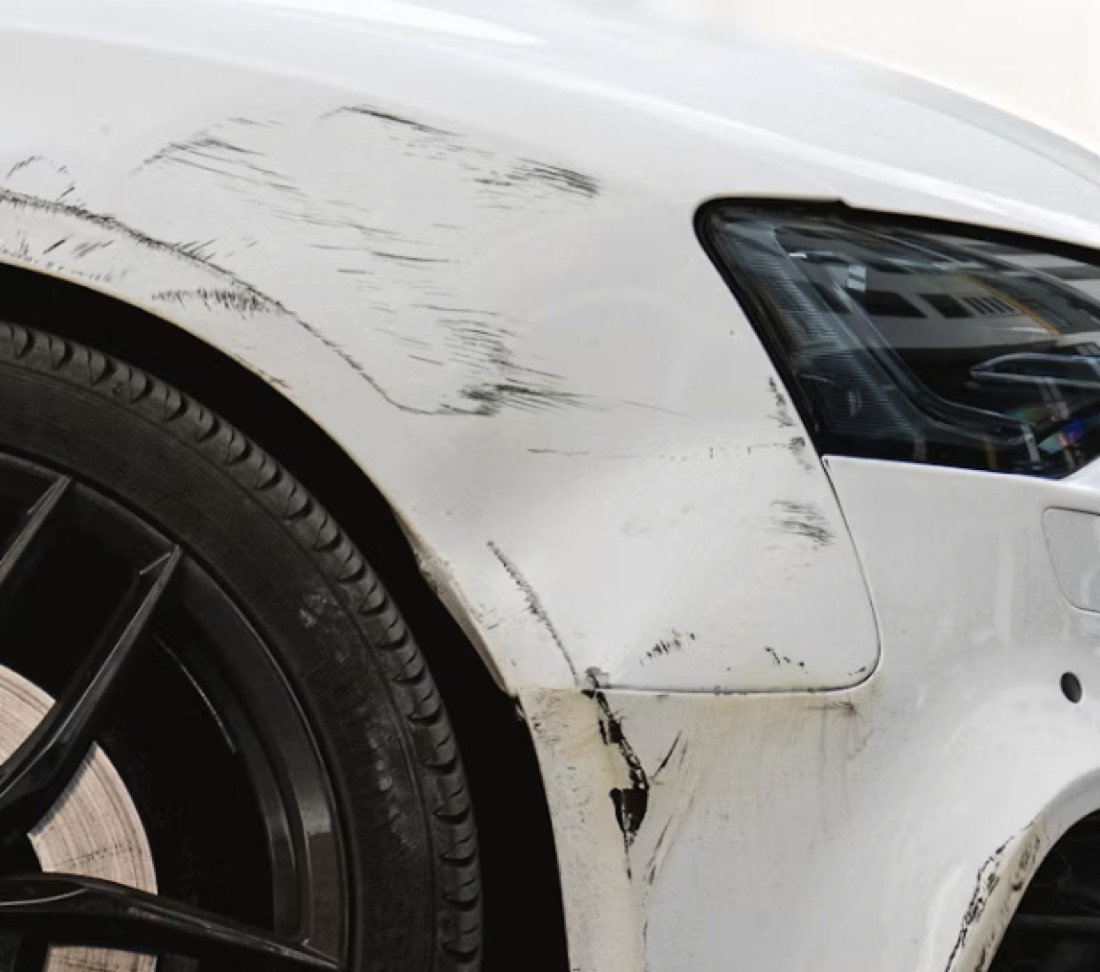
Two claims arrive the same morning. The dog chewed a designer bag, and the bag is on the sofa right now: film it. A burglar damaged a car last night and the owner already photographed it: that photo is the evidence.
A process that only accepts one of the two is either too strict or too loose, and a mailbox full of forwarded photos cannot tell the difference.
A claims handler accepts an old gallery photo without knowing it was re-saved by a messaging app, edited, or downloaded from a listing.
A warranty or returns team has no way to see that the "broken on arrival" picture was taken before the order was even placed.
A property manager or rental desk receives a tenant's "it was already like that" photo with no date, no device and no context.
Your team sends a secure personal capture link or shows a QR code. The form decides: record in the session only, or record plus add an existing photo.
The customer follows your steps in the browser. Video and photos are recorded now, on this device. Where the form allows it, they add a photo they already have.
The session recording is sealed with a server receipt time and a fingerprint. The uploaded file is sealed too, then checked: capture time and device data in the file, location, editing traces, AI indications, and whether the photo already exists on the internet.
Each item shows its provenance badge and a green, orange or red panel with the findings, their caveats and an advice line. The reviewer decides, asks for a new capture or escalates.
You decide per form how strict it must be: a session recording only for fresh damage, an extra upload where evidence already exists. That means one product covers both without loosening the rule where it matters.
An upload is marked "Provenance: not verified", with every finding explained. That means your team knows exactly which part of a file it can rely on, and which part it cannot.
A photo that already exists online, or that was taken before the link was created, is flagged before anyone acts on it. That means the payout or the replacement waits for a closer look.
Try both routes on your own phone: record in the session, then add a gallery photo and see what the case says.
"Taken via Venta Capture" for the in-app camera, with the receipt server-verified. "Provenance: not verified" for anything from the gallery or a file.
Green "no anomalies found", orange "take a closer look", red "do not trust without a new capture". Findings read like this: "From the gallery: the moment and place cannot be proven", "Sent via a messaging app: re-saved, that is not an edit", "Found on the internet: exactly this photo already exists online".
Source, original file, device, capture time, location with a map link, camera settings, system software. Everything read from the file is labelled unverified; only the receipt time is server verified.
Uploaded photos are checked for traces of AI editing and generation. A strong indication turns the item red with the finding in plain words, and the advice is a new capture rather than a conclusion. Photos recorded in the session are not sent out for this check.
"No action needed. If you need certainty about when it was taken, request a new photo via Capture." Reviewers can comment per photo or video.
The internet comparison and visual checks run on uploaded photos only, never on photos recorded in the session. More on upload versus capture and provenance.
Not by default: video and photos are recorded in the session on this device. If you allow an extra upload on a form, it arrives labelled "Provenance: not verified" and is checked on arrival.
Capture time and device data in the file, location, traces of editing software, AI indications, whether it was re-saved by a messaging app, whether it resembles an earlier submission, and whether it already exists on the internet. Each finding is explained in plain language.
No. It means the file cannot be trusted as evidence of the moment and place, and the advice is to request a new capture. A person decides what happens next; the product never accuses anyone.
Yes. The setting is per form, so a fresh-damage flow can insist on a session recording while an existing-evidence flow accepts an upload.
Not on its own, which is why everything read from the file is labelled unverified. Only the receipt time is set by the server. The value of the check is in the combination of findings, shown next to each other.
Set the upload rule per form in the flow builder. Typical uses: motor claims and property claims. Read what a case proves.
Set the rule per form, and let the case do the explaining.
Live in 10 minutes. Stuck? Book a free setup call and we build your first flow together.
